

A timed typing test is easiest to improve when you stop treating each run as one constant effort. The practical approach is to pace the run in phases: controlled launch, stable middle, and clean finish. This reduces error spikes in the final third and improves usable WPM instead of one-time peak numbers.

Most typists start too fast, then spend the rest of the run paying correction debt. The test still reports a score, but that score can hide rhythm breaks and backspace bursts that do not transfer to real writing. A pacing model fixes this by giving each segment of the run a speed ceiling and an accuracy floor.
If you are building your first baseline, start with Type Speed Test Baseline Routine: Measure Real Progress Before You Train. If late mistakes are your bottleneck, pair this with Typing Speed Test Error Recovery: The Metric That Predicts Real Writing Throughput. If test length keeps changing your scores, read Word Typing Test Passage Length: Pick 15s, 60s, or 120s With Real Data.
# What pacing means in a timed typing test
Pacing is the distribution of effort across the full test duration. You are controlling when to push and when to protect accuracy. The target is a higher median result across many runs, plus stronger transfer to normal typing tasks.
You can track pacing quality with four numbers:
- segment WPM by run phase,
- segment accuracy by run phase,
- correction density per segment,
- finish fade ratio.
Use this formula for finish fade:
finish_fade_ratio = final_segment_wpm / middle_segment_wpm
A ratio near 1.00 means you held output to the end. A ratio below 0.92 usually indicates an opening pace that was too aggressive for your current control.
Reliable measurement depends on repeated samples and robust summary metrics, which is consistent with statistical guidance from the NIST Engineering Statistics Handbook (opens new window). Skill acquisition research also supports stable control plus feedback loops over repeated all-out attempts; see this motor learning overview (opens new window).
# The three phase model for timed typing test runs
Use this model for 60 second tests first. It also works for 120 second tests with longer middle phase.
# Phase 1: controlled launch (0 to 15 seconds)
Goal: establish rhythm, not records.
Rules:
- cap opening speed at about 95 percent of your recent best,
- keep finger travel tight and avoid forced bursts,
- prioritize clean word transitions.
Watch for the common opening trap: one fast line with two correction chains. It feels quick but raises total keystrokes and lowers net output.
# Phase 2: stable middle (15 to 45 seconds)
Goal: maintain repeatable output at your training pace.
Rules:
- hold target pace in a narrow band,
- keep breathing and posture unchanged,
- reset instantly after any typo with one clean restart.
This segment should provide your highest signal quality. If the middle is chaotic, the run cannot teach pacing.
# Phase 3: clean finish (45 to 60 seconds)
Goal: prevent panic sprinting.
Rules:
- do not chase a last-second spike,
- trade one to two WPM for lower correction density,
- keep cadence consistent until time expires.
Finishes decide median quality. A clean finish often beats a reckless sprint by producing better effective WPM.
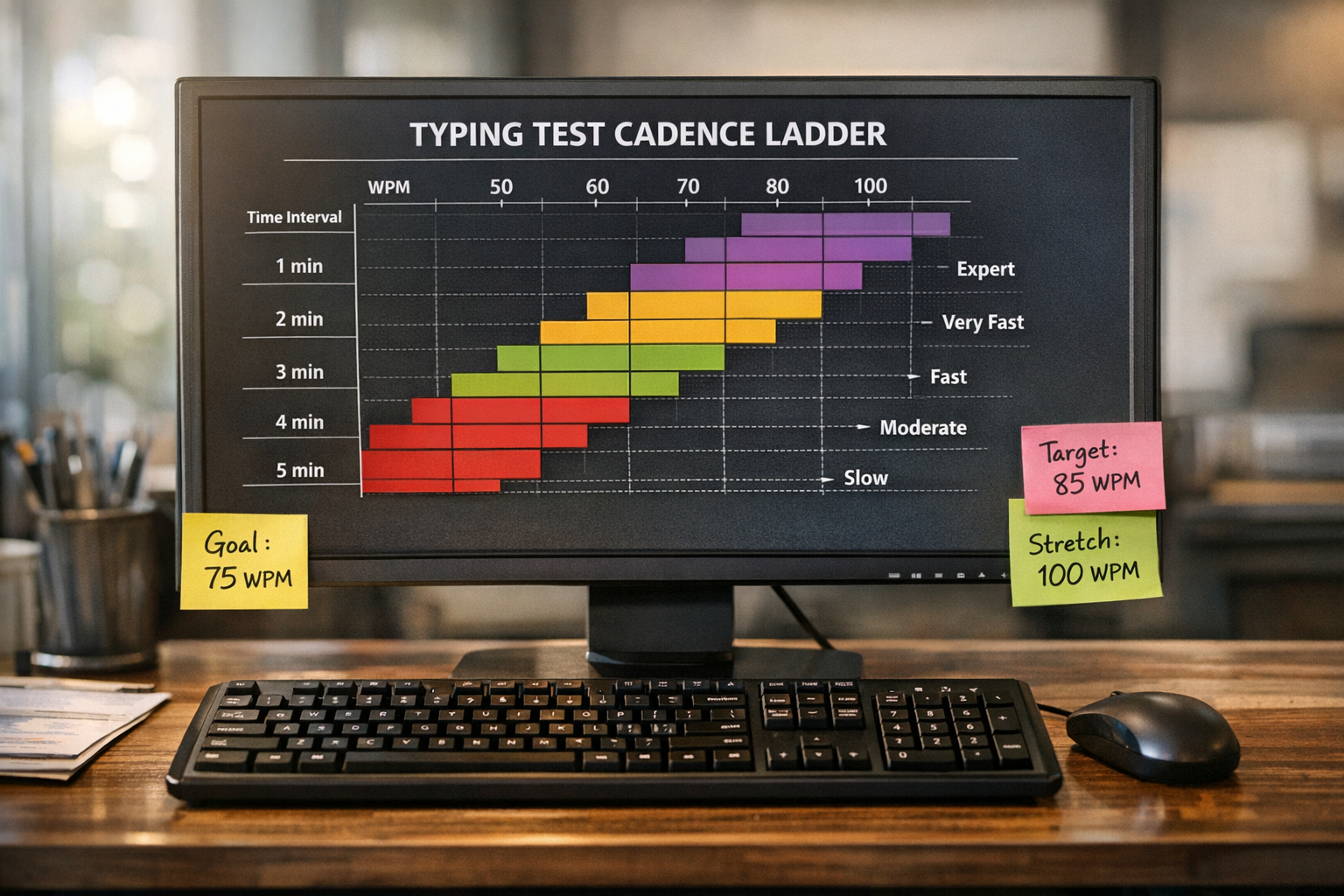
# Decision table: how to adjust your pacing plan
| Weekly pattern | Likely cause | Next adjustment | Review window |
|---|---|---|---|
| Fast opening, large final drop | Start pace too high | Lower launch cap by 2 WPM | 5 sessions |
| Stable speed, falling accuracy after 40s | Overload from correction debt | Add restart drill between runs | 1 week |
| Good accuracy, flat speed in all segments | Pace band too conservative | Raise middle target by 1 WPM | 5 sessions |
| Strong first run, weak later runs | Fatigue or poor recovery | Increase rest interval by 30 to 45s | 1 week |
| Large run-to-run variance | Inconsistent setup | Lock keyboard, test length, and session time | 7 sessions |
Change one variable at a time. If you change pace target, rest interval, and text mix together, you lose attribution.
# Build a pacing target that matches your current level
Start from recent data, not your single best run.
- Take your median from the last ten timed typing test runs.
- Set launch target to median plus 1 WPM.
- Set middle target to median plus 2 WPM.
- Set finish target to middle minus 1 WPM.
Example:
- recent median: 68 WPM,
- launch target: 69,
- middle target: 70,
- finish target: 69.
This looks modest. It works because it is repeatable. Once your finish fade ratio stays above 0.95 for a week, lift all targets by 1 WPM.
# Practical session structure for pacing gains
Run this 24 minute block, four to six days per week.
# Block A: warmup calibration, 4 minutes
- two short easy passages,
- one moderate passage at planned launch pace.
Log only readiness notes, not training metrics.
# Block B: paced benchmark set, 12 minutes
- four 60 second timed typing test runs,
- 60 to 75 seconds rest between runs,
- segment notes for launch, middle, finish.
Keep hardware and settings fixed for the full week.
# Block C: correction control set, 6 minutes
- two runs focused on typo restart discipline,
- one run with punctuation-heavy text.
This block protects accuracy under stress.
# Block D: review, 2 minutes
Write one decision sentence:
- keep targets,
- lower launch cap,
- raise middle target,
- adjust rest interval.
One sentence is enough when your metrics are clean.
# What to log after each timed typing test
High quality logs turn practice into a feedback system.
Minimum fields:
- date and session slot,
- run duration,
- launch WPM,
- middle WPM,
- finish WPM,
- full-run accuracy,
- correction count or density,
- finish fade ratio,
- next session adjustment.
If you tune keyboard firmware, note any switch in polling or debounce settings before the session. Reference docs from QMK (opens new window) are useful for change tracking. Ergonomic setup also affects late-run stability; workstation guidance from OSHA (opens new window) helps keep those variables controlled.
# Common pacing mistakes in timed typing test training
# Mistake 1: opening with best-run pace every time
Your best run is not your training anchor. Use median pace anchors and step upward only after stable finishes.
# Mistake 2: ignoring segment data
A single final score can rise while segment quality falls. Track segment data or you will miss impending plateaus.
# Mistake 3: retrying immediately after bad runs
Immediate retries often repeat the same failure pattern. Take a fixed rest interval and restart the pacing plan.
# Mistake 4: using the same text profile forever
One text style can inflate comfort speed. Rotate difficulty and punctuation density while preserving test duration.
# Mistake 5: forcing late sprint behavior
Late sprinting usually increases correction debt. A clean finish produces better effective throughput and more stable progress.
# A one-week worked example
Starting profile:
- median timed typing test score: 66 WPM,
- accuracy: 96.8 percent,
- finish fade ratio: 0.90,
- correction density: 0.19.
Intervention:
- launch cap reduced by 2 WPM,
- rest interval increased from 45s to 75s,
- one extra correction control run added each session.
Week outcome:
- median score: 68 WPM,
- accuracy: 97.4 percent,
- finish fade ratio: 0.96,
- correction density: 0.14.
The key change is finish quality. Speed improved because control improved.
# How to adapt pacing for 120 second tests
Two minute tests require stamina pacing, so split the run into four phases:
- 0 to 20s launch,
- 20 to 70s stable build,
- 70 to 105s hold,
- 105 to 120s clean finish.
Keep the same principle: protect final segment quality first. For most typists, a lower early pace produces a higher total score on longer durations.
# Use pacing to make scores transferable
Timed typing test progress becomes meaningful when scores survive outside the test window. Pace each run in phases, track segment outcomes, and adjust one variable per week. This creates stable gains in usable WPM with fewer correction spirals, which is exactly what you need for writing, coding notes, and daily communication.