

# Mechanical Keyboard Typing Test: Find the Setup That Fits Your Hands
A mechanical keyboard typing test should measure more than peak WPM. It should show whether a board helps you type accurately, recover from mistakes, and stay comfortable through normal work. The practical way to test one is to run the same passages on each keyboard, log WPM, accuracy, correction time, noise tolerance, and hand fatigue, then compare the results with a weighted scorecard.
This guide gives you a controlled test you can run in about 35 minutes. Use it before buying a new board, changing switches, or deciding whether a compact layout is helping your speed or quietly taxing your hands.
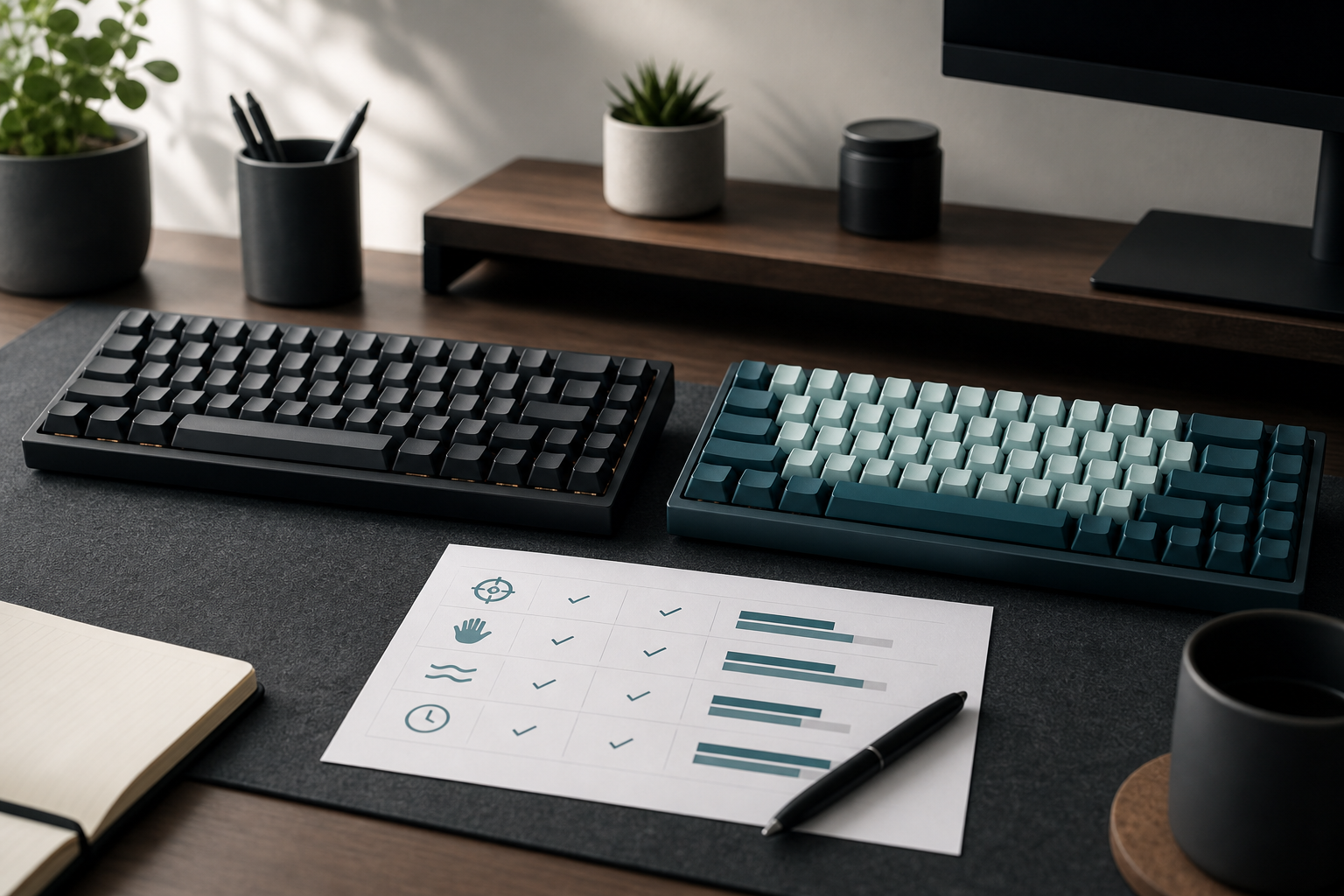
# What a mechanical keyboard typing test should measure
A keyboard that feels fast for 30 seconds can still be a poor match for daily typing. Short tests reward excitement, fresh attention, and the novelty tax wearing off in the wrong direction. A useful mechanical keyboard typing test measures four things together:
- Speed under the same passage conditions.
- Accuracy when punctuation, capitals, and numbers appear.
- Recovery cost after mistakes.
- Comfort after repeated runs.
That mix matters because mechanical keyboards change several variables at once. Switch force, travel, actuation point, keycap shape, case angle, layout size, and sound can all affect how you type. The QMK documentation (opens new window) is useful if your board supports firmware changes, but firmware is only one part of the test. You still need human results.
Start with a familiar baseline. Run a normal typing session on TypeTest first, then compare new hardware against that score. If you need a stable baseline routine, use the earlier guide on building repeatable type speed test results before you judge a new keyboard.
# The 35 minute mechanical keyboard typing test protocol
Use this protocol when you have two or more keyboards, switch profiles, or layouts to compare. If you only have one keyboard, run it now and keep the scorecard for future changes.
# Step 1: Lock the test conditions
Keep the environment boring. Boring data travels well.
Use the same desk, chair height, browser, timer length, and passage type for every run. Close chat apps and anything that changes attention. Use the same hand position and decide whether wrist rests are in or out before you start.
If one keyboard uses a different layout, such as 65 percent or 75 percent, write that down. Layout differences can affect correction keys, arrow access, and number entry. A compact board can feel cleaner while slowing the small edits that happen after mistakes.
# Step 2: Warm up without scoring
Spend three minutes typing easy text on each keyboard before the measured rounds. Do not count this as evidence. Warmup removes first contact awkwardness and makes the comparison less dramatic.
For a new switch type, give yourself one extra minute to adjust to actuation. Linear, tactile, and clicky switches often change when you bottom out, how hard you press, and how quickly you release. The point is not to master the board in three minutes. The point is to avoid grading the first five surprised keystrokes.
# Step 3: Run matched test blocks
Run three measured blocks per keyboard:
- Plain words for rhythm.
- Normal writing with capitals and punctuation.
- Mixed text with numbers and symbols.
Use TypeTest for the measured typing runs, then keep the passages as similar as the tool allows. If your main concern is passage difficulty, read the guide on typing speed test passage difficulty and match the difficulty bands across boards.
Rest one minute between blocks. If you test two keyboards, alternate them in rounds instead of finishing all runs on one board first. Alternating reduces the chance that fatigue makes the second keyboard look worse.
# Step 4: Record correction cost
Raw WPM hides a common hardware problem: some boards make mistakes easier to create and harder to fix. Record the number of backspaces, the most common wrong keys, and whether your correction flow felt direct.
This matters on compact keyboards where Delete, arrows, Home, End, or punctuation may sit behind layers. A keyboard can score well on clean text and still lose time when you write email, code, or notes. If the correction pattern dominates your results, pair this test with the guide on typing speed test error recovery.
# Step 5: Add a five minute comfort check
After the measured blocks, type ordinary text for five minutes. Use a note, a draft email, or a copied paragraph you can delete later. Then rate hand tension, wrist angle, shoulder position, and noise tolerance from 1 to 5.
Ergonomics guidance from Cornell University Ergonomics Web (opens new window) emphasizes neutral posture and fit between the user, task, and workstation. That principle applies here. A keyboard that requires shoulder tension, wrist extension, or finger stretching can look fine in a short WPM test while creating avoidable strain in longer sessions.
# Mechanical keyboard scorecard
Use this table to turn the test into a decision. Weight the categories based on your goal. Writers should weight comfort and correction cost higher. Competitive typists may weight rhythm and peak speed higher. Developers should weight punctuation, symbols, and correction flow.
| Category | What to record | Good sign | Warning sign | Suggested weight |
|---|---|---|---|---|
| Rhythm WPM | Plain word block average | Within 3 percent of baseline or better | Fast first run, unstable later runs | 20 percent |
| Mixed accuracy | Capitals, punctuation, numbers | Accuracy stays within 1 point of plain text | Errors cluster around Shift, symbols, or number row | 20 percent |
| Correction cost | Backspaces and recovery time | Mistakes clear without hunting | Layers or key placement slow every fix | 20 percent |
| Comfort | Five minute tension rating | Hands stay relaxed and posture stays neutral | Wrist extension, finger stretch, shoulder lift | 25 percent |
| Noise and focus | Sound tolerance rating | Sound supports rhythm without distraction | Click or case ping changes pace | 10 percent |
| Configuration risk | Needed firmware or layout changes | Simple setup, easy rollback | Many changes needed before fair use | 5 percent |
Add the weighted score after each board. If the top score wins by less than 5 points, keep the cheaper or more familiar option. Tiny differences often disappear after one week of normal use.
# How to compare switch types without fooling yourself
Switch choice gets noisy quickly. Linear switches can feel smooth and fast. Tactile switches can make actuation feel clearer. Clicky switches can make rhythm easier for some typists and unbearable for nearby humans. The correct question is narrower: which switch produces cleaner output for your hands and your room?
Use these rules:
- Compare only one variable at a time when possible.
- Keep keycaps, layout, and desk mat the same if you can.
- Test sound tolerance after several minutes, not after one satisfying sentence.
- Watch accuracy on weak fingers, especially ring and pinky reaches.
- Do not treat bottoming out as failure unless it creates fatigue or errors.
Independent keyboard testing labs such as RTINGS (opens new window) measure latency, noise, ergonomics, and hardware characteristics. Those measurements help you understand the board. Your typing test shows whether those traits help your work.
# Layout size changes the result
A full size board, tenkeyless board, 75 percent board, 65 percent board, and 60 percent board can all use good switches and still produce different typing outcomes. The difference often appears after mistakes, not during clean typing.
Full size boards keep navigation and number entry obvious. Tenkeyless boards reduce mouse reach while keeping most editing keys. Smaller boards save space, but they often move arrows, Delete, function keys, or symbols behind layers.
Use this quick layout checklist before you accept a WPM score:
- Can you correct a missed capital without looking down?
- Can you reach punctuation used in your actual writing?
- Can you use arrows and Delete at normal speed?
- Can you enter numbers without breaking rhythm?
- Can you keep your mouse close without angling your shoulders?
If a compact board improves posture and keeps correction keys accessible, it may be a net gain. If it turns every edit into a layer puzzle, the WPM score is only telling half the story.
# When a mechanical keyboard helps typing speed
A mechanical keyboard can help when it reduces uncertainty. Clear actuation, stable keycaps, predictable spacing, and a comfortable angle can make typing less effortful. That can improve consistency, especially across longer sessions.
The gain usually comes from fewer hesitations and fewer corrections rather than a magical jump in finger speed. Watch your logs for these signs:
- Accuracy stays steadier across all three blocks.
- Backspaces drop without a lower WPM target.
- Punctuation errors decrease.
- The final run is close to the first run.
- You stop thinking about the keyboard while typing.
If only the first run improves, you may be measuring novelty. Repeat the same test tomorrow before you buy switches by the bucket. Future you has drawer space to protect.
# When the keyboard is not the bottleneck
Sometimes the scorecard points away from hardware. If every keyboard produces the same errors, the bottleneck is likely practice structure, passage difficulty, pacing, or recovery habits.
Common signs include:
- Accuracy drops when you push above a familiar WPM band.
- Errors follow the same letters on every board.
- Punctuation and capitals cause most slowdowns.
- You start too fast and repair damage later.
- Longer passages fall apart while short tests look fine.
In that case, keep the keyboard stable and train the pattern. Hardware churn can become a decorative way to avoid practice. A pleasant one, admittedly, but still practice avoidance.
# A one week retest plan
If one board wins the first test, run a one week confirmation before making it your main setup.
Day 1: Run the full 35 minute protocol. Day 2: Use the keyboard for normal work only. Day 3: Run three mixed text tests and log correction cost. Day 4: Practice weak punctuation or number patterns for 10 minutes. Day 5: Run plain text and mixed text blocks again. Day 6: Use the keyboard for your longest normal writing session. Day 7: Repeat the scorecard and compare it with Day 1.
Keep the board if comfort stays strong and mixed accuracy improves or holds steady. Revert if the score depends on easy passages, correction keys keep slowing you down, or comfort gets worse after normal work.
# Final takeaways
A mechanical keyboard typing test should answer one question: does this setup help you produce clean text with less effort? Peak WPM alone cannot answer that. Use matched passages, correction logs, comfort ratings, and a weighted scorecard to compare boards fairly.
Run the test on TypeTest, save the results, and repeat it after a week. If the new keyboard improves mixed accuracy, lowers correction cost, and feels comfortable after real writing, keep it. If it only wins the fun first run, enjoy the sound and keep your baseline board close.