

A typing test no timer method helps you build usable speed because it isolates control quality from countdown pressure. The practical result is fewer correction chains, steadier rhythm, and stronger transfer from practice runs to real writing. Use no timer runs as a control block, then reintroduce timed runs to confirm that the gain holds under pace constraints.
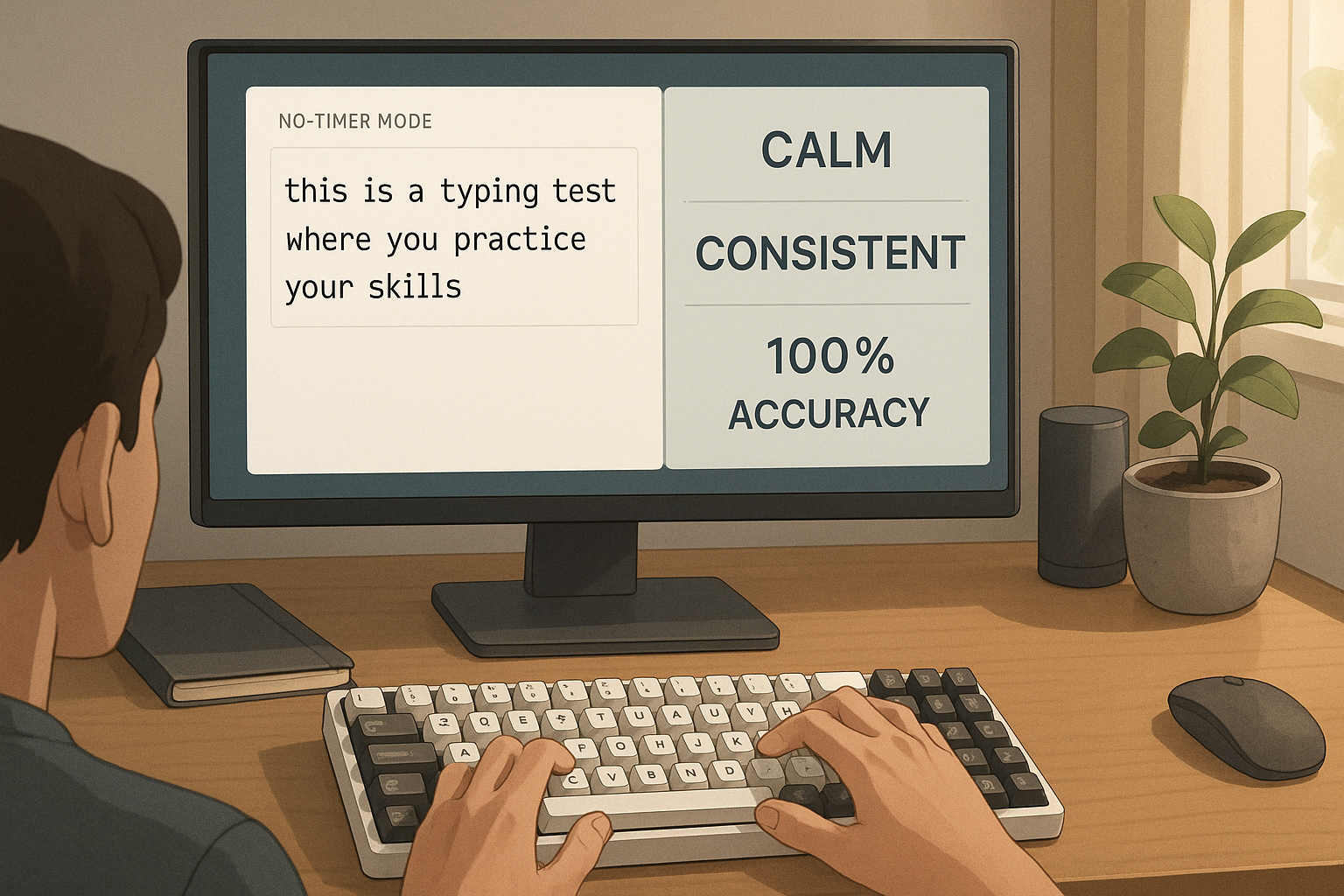
Most typists run only short timed tests. That creates progress on peak pace, but it often hides two bottlenecks: correction cost and rhythm resets after mistakes. A no timer workflow exposes those bottlenecks quickly. If you already track baseline stats, connect this guide with Type Speed Test Baseline Routine: Measure Real Progress Before You Train. If your timed results collapse near the finish, pair this method with Timed Typing Test Pacing Strategy: How to Hold Speed Without Accuracy Collapse. If your current targets are unclear, calibrate with How Fast Can I Type Test? Benchmarks That Predict Real Output.
# What a typing test no timer block should do
A no timer block is not a relaxed free write session. It is structured measurement and control training with explicit pass criteria.
Use it to answer four questions:
- Which error types keep repeating when speed pressure is removed?
- How quickly do you recover normal rhythm after a correction?
- Which letter groups trigger hesitation or hand imbalance?
- How much of your timed WPM depends on risky opening bursts?
Timed runs answer pace questions. No timer runs answer control questions. Combining both creates cleaner training decisions.
Motor learning literature supports frequent feedback with constrained drill goals instead of random repetition. A concise reference is the NIH overview of motor learning principles: Motor Learning and Control (opens new window). For measurement quality and summary choices, the NIST engineering statistics handbook remains a practical baseline: NIST Engineering Statistics Handbook (opens new window).
# When to use no timer first and when to use timed first
Choose your session order based on current failure mode.
| Current pattern | Start with | Why this order works | Recheck metric |
|---|---|---|---|
| Fast start, late error spike | No timer | Stabilizes cadence before paced effort | Final segment accuracy |
| Stable accuracy, low ceiling pace | Timed | Preserves intensity while control is already acceptable | Median timed WPM |
| Heavy backspace chains | No timer | Reduces correction debt and pause clustering | Corrected errors per 100 words |
| High variance day to day | No timer | Removes timer stress so baseline control is visible | Session variance |
| Strong timed score, weak real writing transfer | No timer | Improves phrase level flow used in real tasks | Transfer ratio |
If two patterns apply, prioritize correction cost first. Correction debt is the most common reason a high test score fails to transfer into normal writing throughput.
# The 30 minute typing test no timer method
Use this as a repeatable session format. Keep keyboard, layout, posture, and environment stable for at least 7 days.
# Block 1: calibration and readiness, 5 minutes
- One easy warmup passage.
- One mixed punctuation passage.
- Log readiness from 1 to 5.
- Confirm fixed setup variables.
Ergonomic consistency matters because setup changes can masquerade as skill changes. OSHA workstation guidance is a useful setup reference: OSHA Computer Workstations eTool (opens new window).
# Block 2: no timer control runs, 12 minutes
- Three passages in no timer mode.
- Keep a target rhythm, not a target speed.
- Pause 30 to 45 seconds between passages.
- Track corrected errors and hesitation points.
Target output in this block is low correction friction. You can still log WPM, but do not optimize it here.
# Block 3: targeted micro drills, 7 minutes
Use error logs from block 2. Pick one category only.
- substitution drift,
- transposition clusters,
- omission in fast digraph transitions,
- punctuation transition resets.
Run brief drills with strict quality gates. The goal is precise repetition. Do not jump between categories in one session.
# Block 4: timed verification, 6 minutes
- Two 60 second timed runs.
- Maintain the same rhythm pattern used in no timer passages.
- Compare correction load against your weekly baseline.
Timed verification keeps the method grounded in practical results. If no timer quality rises but timed verification collapses, pacing discipline needs adjustment.
# The metrics that make no timer data useful
A typing test no timer workflow fails when logs are too shallow. Keep these fields for each run:
- passage length in words,
- elapsed time,
- estimated WPM,
- corrected errors,
- uncorrected errors,
- longest hesitation event,
- dominant error category,
- subjective effort score.
Use two derived metrics:
correction_density = corrected_errors / words_typed * 100
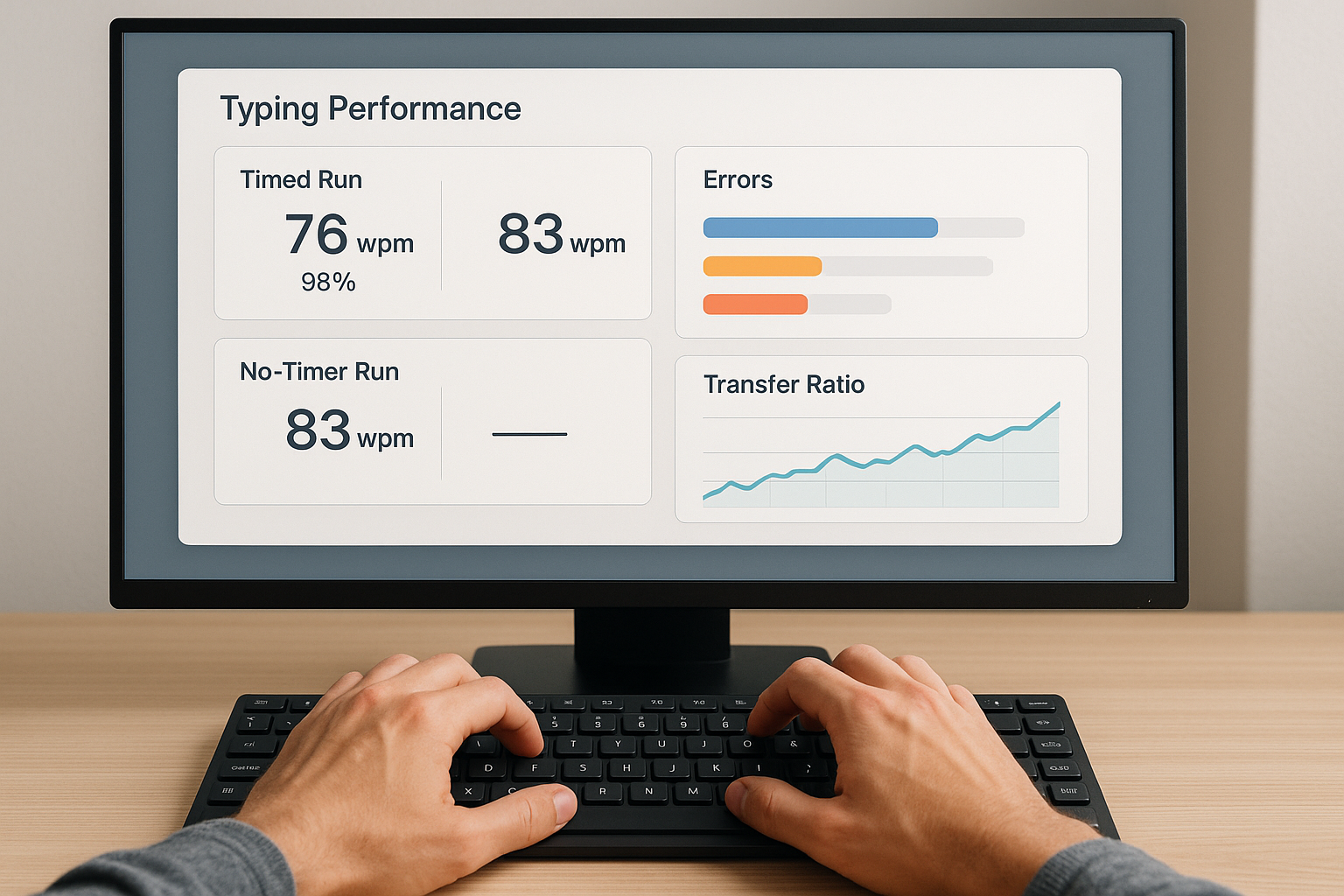
transfer_ratio = real_task_wpm / timed_median_wpm
If correction density falls while transfer ratio rises, your control gains are translating to real work. That is the target pattern.
# Decision checklist for weekly pace adjustments
Run this checklist at the end of each week.
- No timer correction density improved in at least 4 of 6 sessions.
- Dominant error category share stayed below 35 percent for final 3 sessions.
- Timed verification accuracy met floor in at least 5 of 6 sessions.
- Transfer ratio reached 0.90 or improved by at least 0.04.
- Session variance did not increase.
If all five pass, raise target timed pace by 1 WPM next week.
If one fails, hold pace and repeat the same drill focus.
If two or more fail, reduce target pace by 1 WPM for 3 sessions and rebuild control.
This logic prevents progress reversals that come from aggressive pace jumps.
# How no timer training improves timed performance
No timer work improves timed performance through three mechanisms.
First, it reduces restart latency after an error. Timed tests penalize each reset twice, once through direct pause time and once through rhythm break in the next phrase.
Second, it improves phrase level chunking. You stop typing character by character and start executing predictable movement groups. That raises stable output without extra risk.
Third, it lowers cognitive load during punctuation and number transitions. These transitions trigger a large share of avoidable errors in practical writing.
Keyboard firmware and latency settings can affect perceived rhythm when you are near your control limit. If you tune hardware, document change dates and test windows. Useful references include QMK firmware docs and keyboard latency methods: QMK Documentation (opens new window) and RTINGS Keyboard Latency Methodology (opens new window).
# A seven day rotation that avoids repetitive structure
This rotation keeps the core method intact while varying cognitive load.
# Day 1: baseline no timer day
Run the full 30 minute session. Identify one dominant error category.
# Day 2: punctuation stability day
Use mixed punctuation passages in block 2. Keep timed verification conservative.
# Day 3: transposition correction day
Use bigram and trigram heavy text. Focus only on transposition fixes.
# Day 4: transfer emphasis day
After block 4, add one real writing sample from email, docs, or issue notes.
# Day 5: cadence integrity day
Use slightly longer no timer passages. Prioritize consistent interval rhythm.
# Day 6: paced consolidation day
Normal no timer blocks, then stronger timed verification. Evaluate promotion criteria.
# Day 7: light calibration or rest
One short check run or complete rest based on fatigue.
This schedule keeps novelty controlled while preserving comparable measurements.
# Worked example: from unstable 63 WPM to stable 67 WPM
Starting profile:
- timed median: 63 WPM,
- timed accuracy: 96.1 percent,
- corrected errors per timed run: 7.2,
- transfer ratio: 0.84,
- dominant category: transposition and punctuation resets.
Intervention over 14 days:
- six no timer sessions per week,
- one dominant category per three session block,
- no pace increase until all weekly checks passed,
- timed verification limited to two runs per session.
Results:
- timed median: 67 WPM,
- timed accuracy: 97.0 percent,
- corrected errors per timed run: 5.8,
- transfer ratio: 0.92,
- session variance reduced.
The gain came from lower correction cost, not sprinting. Real writing throughput improved because error recovery became predictable.
# Common mistakes in typing test no timer training
# Turning no timer into casual typing
No timer work needs strict gates. If you ignore logs and categories, quality signal disappears.
# Changing hardware and training variables together
If you change switches, layout, and drill focus in one week, attribution fails.
# Ignoring timed verification
No timer quality alone is insufficient. You need timed confirmation that control gains hold under pace.
# Chasing daily best scores
Daily peaks are noisy. Make pace decisions from weekly medians and checklist outcomes.
# Using only easy text
Easy passages hide punctuation and transition bottlenecks. Include mixed difficulty passages every week.
# Practical TypeTest setup for this method
Inside TypeTest, keep two presets and avoid mid week changes.
- Preset A: no timer passages for control runs.
- Preset B: timed 60 second runs for verification.
At week end, review both against related frameworks:
- Use Typing Accuracy Test Thresholds: The Fastest Way to Raise Usable WPM to keep floor logic strict.
- Use Typing Test WPM: Normalize Scores Across Duration and Difficulty if durations vary.
- Use Keyboard Speed Test Split Analysis: Find Left vs Right Hand Bottlenecks if one hand stalls your cadence.
# The operating rule for next month
Use a typing test no timer method as your control system. Train correction quality first, verify under timer second, and promote pace only when weekly pass checks confirm transfer. That sequence produces speed you can hold during actual writing tasks, which is the metric that matters for daily output.