

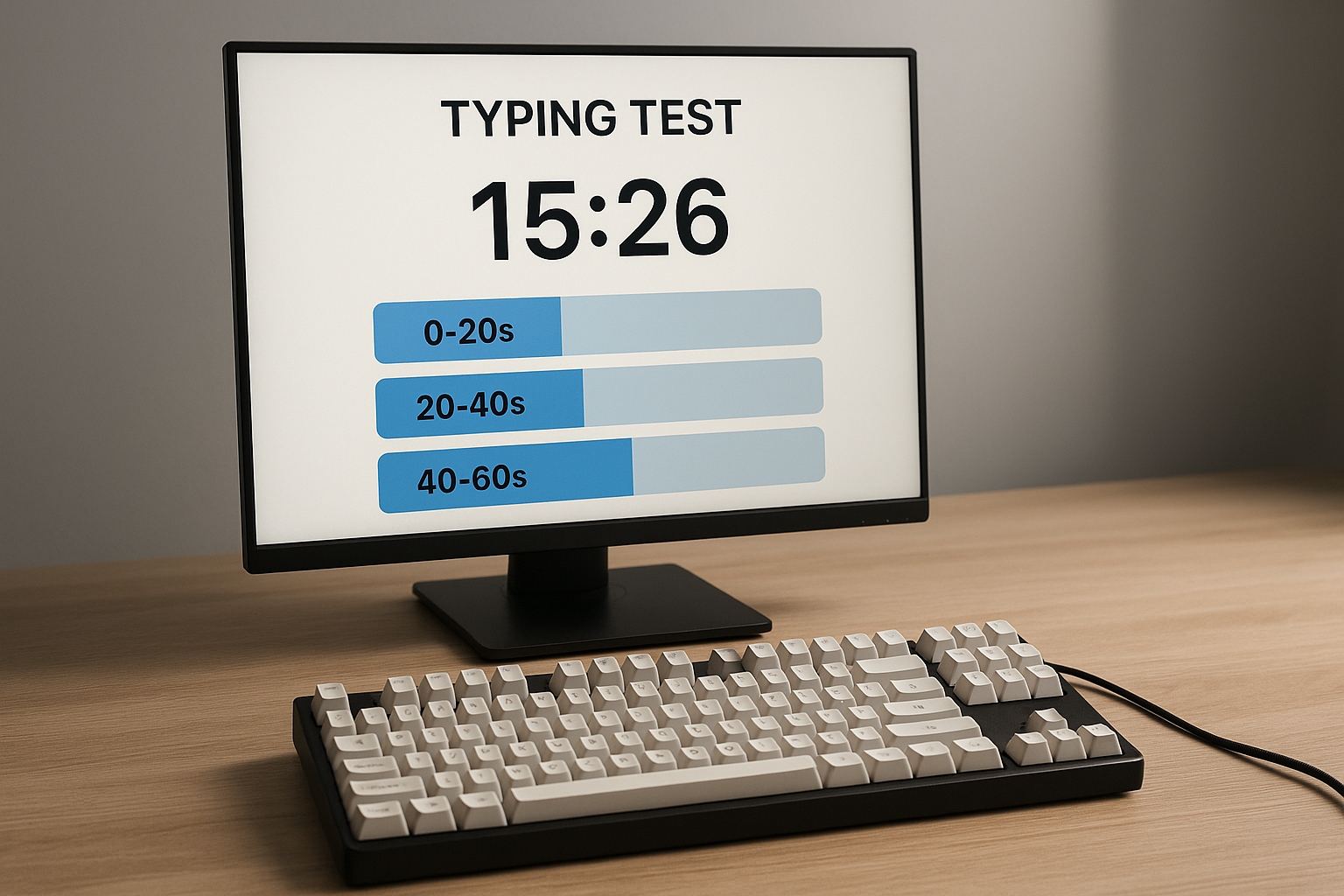
A timed typing test becomes more useful when you score the run in laps instead of treating 60 seconds as one blur. Split each run into 0 to 20 seconds, 20 to 40 seconds, and 40 to 60 seconds; then track WPM drift and correction spikes per lap. That one change tells you whether your speed is stable or front loaded. If your first lap is fast and your last lap collapses, your current training is building short burst pace instead of usable output.
If you already track baseline scores, pair this method with Type Writing Test: Build Scores That Match Real Writing Output, Typing Test WPM: Normalize Scores Across Duration and Difficulty, and Typing Speed Test Error Recovery: The Metric That Predicts Real Writing Throughput.
# Why lap scoring improves a timed typing test
Most scoreboards show one WPM number at the end. That hides pacing mistakes. A lap model exposes them quickly.
In real work, output quality depends on sustained control. You need speed you can hold while handling punctuation, capitalization, and occasional corrections. A short surge at the beginning of a test does not represent that workload.
Lap scoring helps because it answers four practical questions:
- How much speed do you lose after the opening burst.
- When corrected errors start to rise.
- Whether your rhythm stabilizes or keeps oscillating.
- Whether changes in settings improve the full run or only the first segment.
Timed tests are useful because they force a bounded effort, but they only become a planning tool when you inspect run shape, not only final average.
# The three-lap timed typing test model
Use this simple structure for every 60 second test.
- Lap 1: 0 to 20 seconds, controlled acceleration.
- Lap 2: 20 to 40 seconds, steady state.
- Lap 3: 40 to 60 seconds, fatigue and correction control.
For each lap, log:
- lap WPM,
- lap accuracy,
- corrected errors,
- number of obvious rhythm breaks.
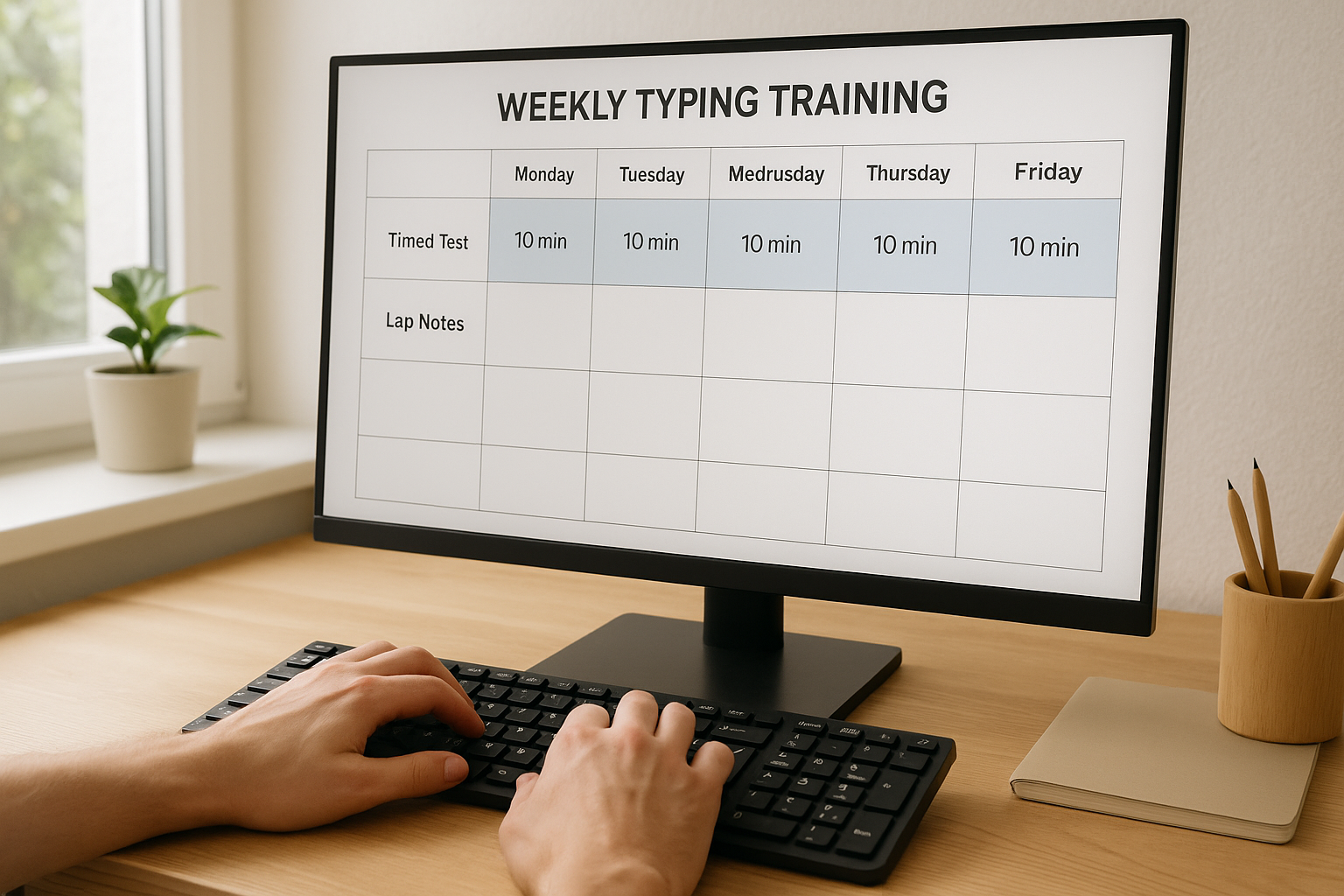
You can keep logging lightweight. A small sheet or note is enough. The important part is consistency.
Core formulas:
lap_effective_wpm = lap_wpm * (lap_accuracy_percent / 100)
lap_error_rate = corrected_errors / words_typed_in_lap * 100
lap_drift = lap3_effective_wpm - lap1_effective_wpm
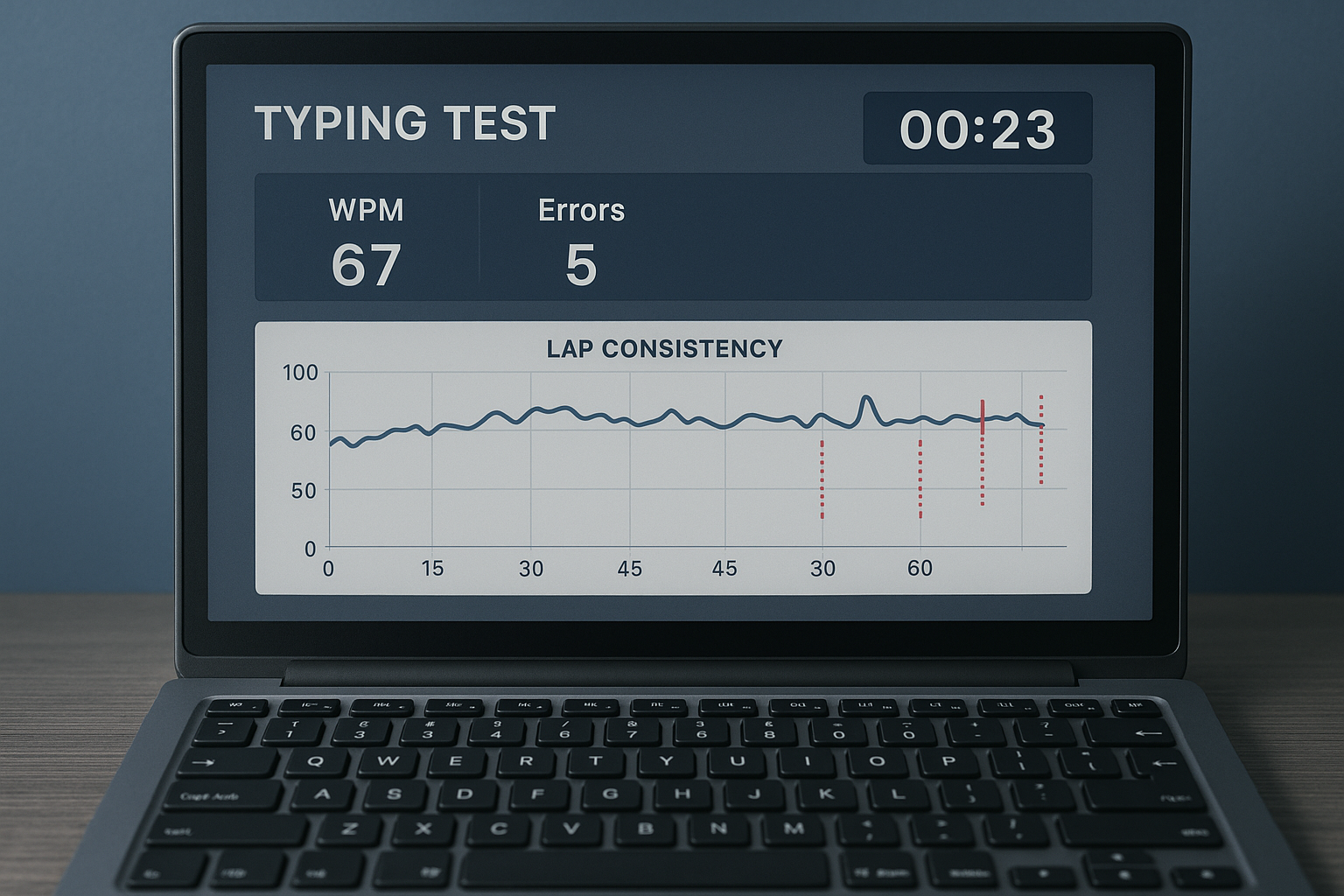
A healthy profile is usually small negative drift with stable error rate. Large negative drift with rising errors signals pacing or control issues.
# Decision table: what your lap pattern means
| Lap pattern | Likely cause | Training adjustment | Recheck window |
|---|---|---|---|
| Lap 1 very high, Lap 3 drops 10+ WPM | aggressive opening pace | start 3 to 5 WPM below peak for first 10 seconds | 4 sessions |
| Lap 2 stable, Lap 3 error spike | fatigue plus correction drag | add 2 longer punctuation runs per week | 1 week |
| All laps similar, low drift | good pacing discipline | raise target pace gradually by 1 to 2 WPM | 1 week |
| Lap 1 low, Lap 2 and 3 climb | slow warm start | add pre run warmup and two submax starts | 3 sessions |
| Lap 2 oscillates heavily | inconsistent cadence | use metered rhythm drills at 90 to 93 percent pace | 5 sessions |
This table keeps decisions concrete. You can change one variable and test it quickly.
# Baseline protocol for lap scoring
Run this once at the start of a training week.
# Step 1: set stable conditions
Keep keyboard, layout, desk posture, and OS repeat settings constant. Input settings can influence how key repeats and corrections feel, so avoid changing them mid cycle. If you want platform details, check the current keyboard behavior documentation for your OS and browser environment before starting comparisons (Apple keyboard settings (opens new window), Windows keyboard repeat settings (opens new window), MDN KeyboardEvent reference (opens new window)).
# Step 2: run six measured tests
- 6 runs at 60 seconds.
- 90 to 120 seconds rest between runs.
- identical text difficulty mode if possible.
For each run, record lap metrics and final totals.
# Step 3: compute medians
Use medians for:
- Lap 1 effective WPM,
- Lap 2 effective WPM,
- Lap 3 effective WPM,
- full run effective WPM,
- full run corrected error rate.
Medians reduce outlier noise from one unusually good or bad run.
# Step 4: label your current profile
Use one clear label:
- front loaded,
- stable,
- recovery limited,
- inconsistent.
This label becomes your training target for the week.
# Training blocks for each lap weakness
# If you are front loaded
Goal: lower early overshoot and preserve lap 3.
Session design:
- 3 controlled starts at 95 percent of usual opening pace.
- 4 normal 60 second tests with lap logging.
- 2 cooldown runs focused on smooth key transitions.
Constraint: do not chase personal best on these days. Target small drift.
# If lap 3 errors climb fast
Goal: preserve control under fatigue.
Session design:
- 2 punctuation enabled runs at 75 to 90 seconds.
- 3 standard 60 second runs with lap focus.
- 1 deliberate slow run where accuracy stays at or above your target floor.
Reason: correction handling under realistic character mix improves late segment resilience.
# If cadence oscillates in lap 2
Goal: stabilize rhythm in steady state.
Session design:
- 5 medium pace runs with strict consistency target.
- rest intervals fixed by timer.
- compare lap 2 spread after every two sessions.
This block improves repeatability and lowers random speed swings.
# Timed typing test checklist for weekly progression
Use this once per week to decide whether to increase difficulty.
- Your median lap drift is within your planned range.
- Lap 3 corrected error rate is stable or improving.
- Full run effective WPM improved across at least two sessions.
- You kept settings constant for the whole week.
- You can repeat gains on a different day, not only one session.
If 4 of 5 are true, raise difficulty slightly next week. Raise one variable only: pace target, punctuation load, or run count.
# Example progression with lap data
Starting week profile:
- Lap 1 effective WPM: 86
- Lap 2 effective WPM: 80
- Lap 3 effective WPM: 73
- Full run effective WPM: 79
- Corrected errors per 100 words: 4.6
- Label: front loaded with late correction drag
Intervention for 10 days:
- Opening pace capped 4 WPM below peak for first 8 seconds.
- Added two 75 second punctuation runs per session.
- Removed one max effort sprint day.
Result profile:
- Lap 1 effective WPM: 84
- Lap 2 effective WPM: 82
- Lap 3 effective WPM: 79
- Full run effective WPM: 82
- Corrected errors per 100 words: 3.2
This pattern shows a common tradeoff: slight reduction in early burst, stronger finish, higher reliable output.
# Hardware and setup controls that keep lap data trustworthy
Skill matters most, but setup noise can hide or fake gains. Keep these controls tight during a measurement block.
- Same keyboard and switch profile.
- Same seat height and wrist angle.
- Same display position and font scaling.
- Same test mode and duration.
If you are experimenting with keyboard firmware, debounce, or polling behavior, isolate those experiments from skill training weeks. Firmware timing changes can alter feel and error patterns, so compare them in dedicated A to B sessions and document exactly what changed (QMK input timing and tapping behavior (opens new window), RTINGS keyboard test methodology (opens new window)).
Ergonomic consistency also reduces fatigue drift in longer runs; workstation guidance helps keep posture variables stable during repeated timed tests (OSHA computer workstation guidance (opens new window)).
# How to use this method inside TypeTest sessions
You do not need a complex setup. Use a repeatable routine:
- Warm up for 3 minutes without recording.
- Run four to six measured 60 second tests.
- Log lap values in a small tracker.
- Pick one adjustment for the next session.
- Recheck drift after three sessions.
Practical pairings from recent guides:
- Use Typing Test No Timer Method: Build Speed That Transfers to Real Work on alternate days to reinforce control.
- Use Timed Typing Test Pacing Strategy: How to Hold Speed Without Accuracy Collapse to set your opening pace rule.
- Use Type Speed Test Baseline Routine: Measure Real Progress Before You Train when you start a fresh cycle.
This combination gives a stable loop: measure run shape, tune one variable, verify transfer.
# Common mistakes when running timed typing tests
# Mistake 1: judging progress from one best run
Single runs carry noise. Use medians and lap patterns across sessions.
# Mistake 2: changing settings every day
Frequent setting changes break comparison quality. Keep one controlled block for at least a week.
# Mistake 3: pushing lap 1 too hard
A fast start feels good but often causes correction debt in lap 3. Target controlled acceleration.
# Mistake 4: ignoring rest intervals
Short, inconsistent rest creates fatigue variability. Fixed rest improves signal quality.
# Mistake 5: training only short bursts
If all sessions are sprint focused, full run stability usually stalls. Mix in medium and longer efforts.
# Final takeaway
A timed typing test gives better decisions when you evaluate lap behavior instead of final average alone. Track 0 to 20, 20 to 40, and 40 to 60 second segments. Optimize drift and correction control, then raise pace in small steps. This method converts short burst speed into repeatable 60 second performance that transfers better to real writing and coding work.