

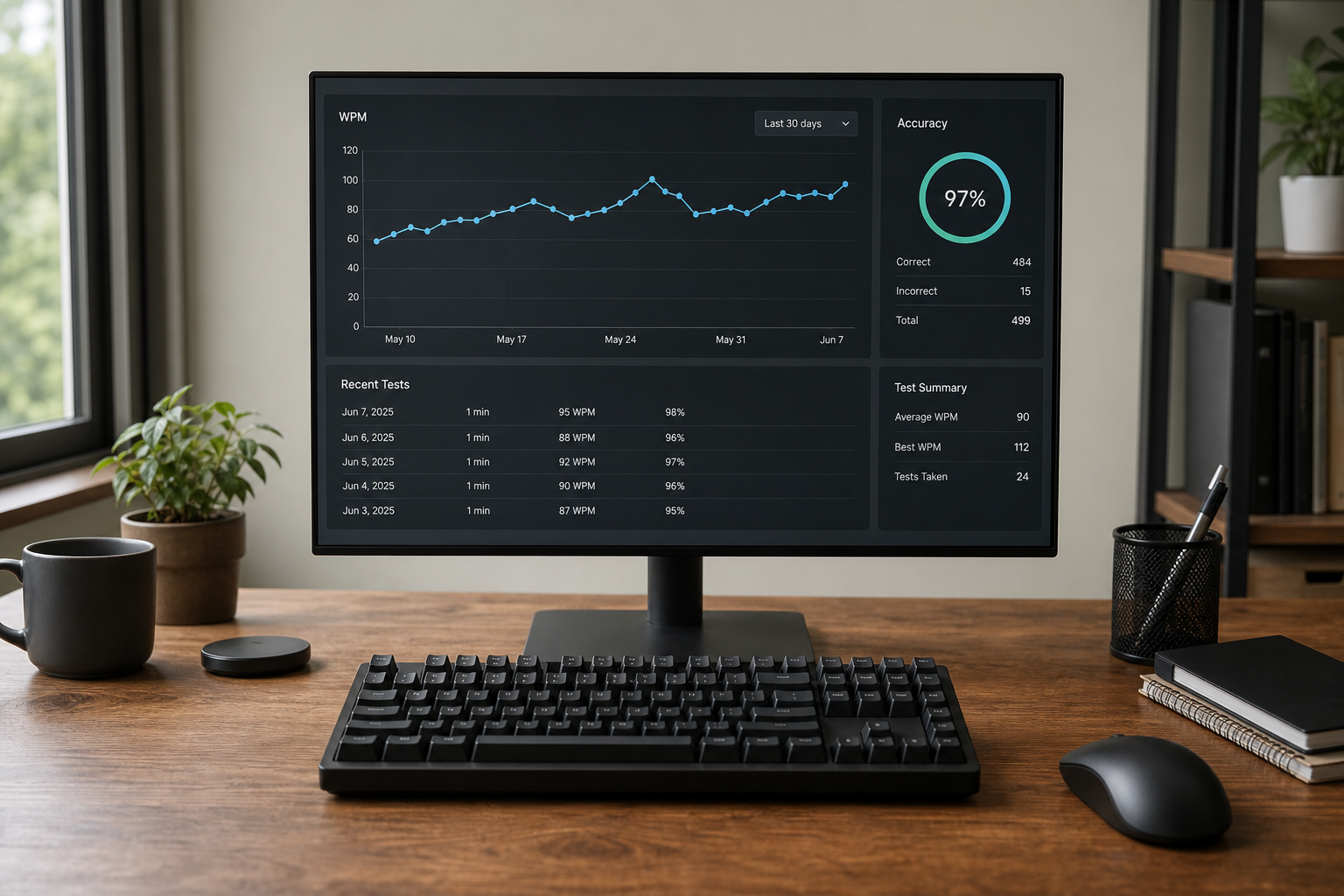
A type speed test is only useful when your score is reproducible. If your keyboard repeat settings, polling behavior, layout, or browser path change between sessions, your WPM shifts for reasons that have nothing to do with skill. The practical fix is a controlled setup baseline: one hardware profile, one settings checklist, and one retest cycle. This guide gives you that baseline so you can compare scores week to week without noise.
If you already track one word sessions, connect this process with One Word WPM Test: Convert Single-Word Speed Into Real 60-Second Typing Performance, Timed Typing Test Lap Method: Convert Sprint Speed Into Stable 60-Second WPM, and Typing Test WPM: Normalize Scores Across Duration and Difficulty.
# What "good" setup means for a type speed test
A good setup is one that produces low variance when your typing behavior is unchanged. In plain terms, if you run three tests back to back with the same effort, the spread should stay tight.
For most users, a practical stability target is:
- WPM spread across three runs: within 3 WPM,
- accuracy spread: within 1.5 percentage points,
- no missed keystroke clusters that feel random.
If your spread is wider, treat setup control as a first task before changing your training plan.
# The configuration variables that move your scores
Several variables affect timing and error behavior.
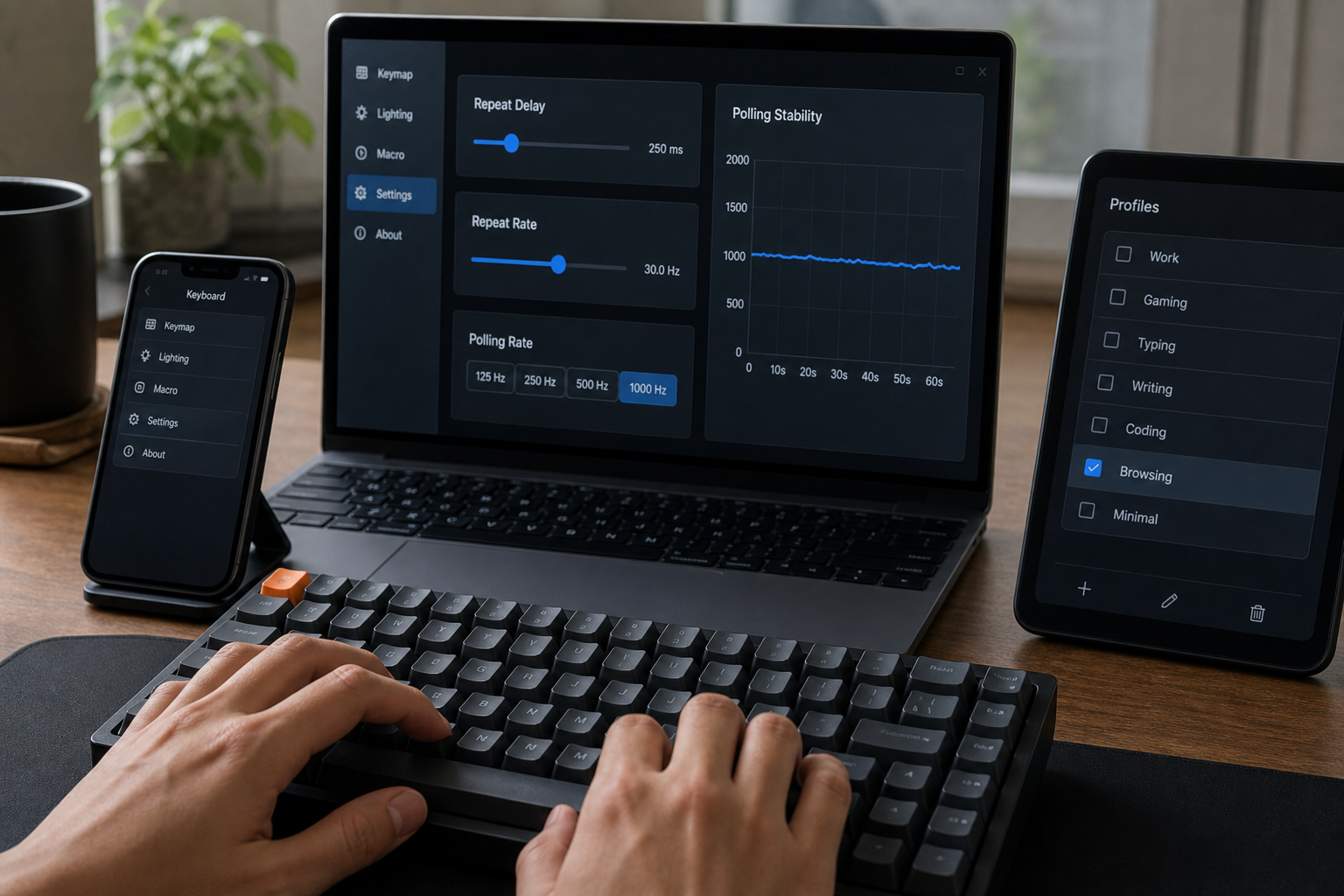
- Keyboard repeat delay and repeat rate on the OS can change how held keys behave during corrections and navigation.
- Polling and firmware behavior on gaming keyboards can alter perceived responsiveness, especially at high tempo.
- Layout and input source switching can introduce accidental remaps during tests.
- Browser event handling can differ across engines and extensions because key events are delivered through the Web platform event model (MDN KeyboardEvent (opens new window)).
- Physical setup including desk height, wrist angle, and key travel familiarity influences fatigue and late-session error rate.
None of these variables are speculative. They are concrete system inputs. If they drift, your benchmark drifts.
# Direct setup checklist you can apply today
Use this once, save it, and re-run only when you change equipment.
# Step 1: lock one hardware profile
Pick one keyboard for benchmark sessions and keep the same switch mode. If your board supports both wired and wireless, choose one and stick with it for measurement weeks.
# Step 2: lock OS key behavior
Set keyboard behavior once, then document values:
- On macOS, review repeat delay and key repeat under System Settings (Apple keyboard settings (opens new window)).
- On Windows, set repeat delay and repeat rate under keyboard settings (Microsoft keyboard settings (opens new window)).
# Step 3: freeze layout and input source
Use a single active layout during tests. If you evaluate QWERTY versus Colemak, separate those blocks and never mix them in one benchmark set.
# Step 4: use one browser profile for tests
Run tests in one browser with minimal extensions. Browser extensions that intercept keystrokes can alter event timing.
# Step 5: standardize warmup
Use the same 3 minute warmup each session before recorded runs. This reduces first-run volatility.
# Decision table: what to change when results are unstable
| Observed pattern | Likely cause | Action | Recheck window |
|---|---|---|---|
| Large WPM swings with similar feel | inconsistent setup path | apply fixed pre-test checklist and one browser profile | 5 sessions |
| Accuracy drops after minute one | ergonomic fatigue or pacing overshoot | lower initial tempo and adjust chair or desk position | 1 week |
| Random missed letters | connection mode or firmware inconsistency | switch to wired mode for benchmark runs | 3 sessions |
| Good short bursts, weak full minute | unstable rhythm planning | use lap pacing and keep first 15 seconds below peak | 1 week |
| Stable WPM but low transfer to writing | punctuation and transition load | add punctuation-enabled sessions twice weekly | 2 weeks |
# Baseline protocol for weekly type speed test tracking
This protocol balances speed, accuracy, and reproducibility.
# Monday: benchmark block
- 3 runs at 60 seconds with normal punctuation settings.
- Keep rest interval fixed, for example 90 seconds.
- Record median WPM and median accuracy.
# Wednesday: controlled training block
- 4 to 6 runs focused on one bottleneck.
- Choose one of these: rhythm consistency, correction efficiency, or punctuation transitions.
- Do not change OS or hardware settings.
# Friday: verification block
- Repeat Monday benchmark settings exactly.
- Compare median values and variance.
- If variance increased, debug setup before changing drills.
This sequence helps you separate skill movement from environment movement.
# How to validate that your setup is actually stable
Most people skip validation and assume settings are fine. Use simple tests.
# Validation test A: three-run spread
Run three benchmark tests in one session. Calculate max minus min WPM. If spread is greater than 3 WPM, pause optimization goals and stabilize setup.
# Validation test B: alternating-day consistency
Run the same protocol on two non-consecutive days with similar sleep and caffeine timing. Compare medians. Large unexplained shifts usually indicate setup or pacing inconsistency.
# Validation test C: correction cost check
Track the ratio of backspace-heavy runs to clean runs. If correction cost rises after a settings change, revert and retest.
# Common setup mistakes that inflate or suppress WPM
# Mistake 1: changing more than one variable at once
If you change keyboard, layout, and browser together, attribution is impossible. Change one variable per cycle.
# Mistake 2: mixing benchmark and experimentation sessions
Benchmark sessions need fixed conditions. Exploration sessions can vary. Keep them separate in your logs.
# Mistake 3: comparing different test formats as if they were equivalent
One-word tests, mixed text tests, and punctuation-heavy runs capture different constraints. Normalize before conclusions, as outlined in Type Writing Test: Build Scores That Match Real Writing Output.
# Mistake 4: ignoring Web input behavior
Browser typing tools rely on keyboard event delivery. Platform differences in event handling are documented in Web specs and references such as MDN UI Events and KeyboardEvent (opens new window) and W3C UI Events (opens new window). When results look inconsistent, test in a clean profile first.
# Setup templates you can copy into your notes
Use compact templates so each run is comparable.
# Session header template
- Date and local time
- Keyboard model and connection mode
- Layout and language input source
- OS repeat delay and repeat rate
- Browser and profile name
- Test format and duration
# Run result template
- Run number
- WPM
- Accuracy
- Subjective feel: smooth, rushed, correction-heavy
- Notable issue: none, lag, mis-hit cluster
Over a month, this log gives enough signal to identify whether score movement comes from training or setup drift.
# When to upgrade hardware versus improve process
Hardware changes can help comfort and confidence. Process changes usually help score reliability faster. Prioritize in this order:
- stabilize setup path,
- standardize warmup and pacing,
- reduce correction debt,
- then evaluate hardware changes.
If your benchmark variance is already low and you still hit a plateau, hardware ergonomics can be a rational next step. If variance is high, hardware shopping adds noise first.
# A practical target model for the next 30 days
Use one target for stability and one target for performance.
- Stability target: three-run WPM spread at or below 3 WPM for at least 3 of 4 weeks.
- Performance target: median benchmark WPM improvement of 2 to 4 WPM while maintaining your accuracy floor.
This target pair keeps your plan grounded. You improve speed while preserving comparability.
# Quick troubleshooting flow when scores suddenly dip
When a score drops more than expected, run a short triage before changing your training plan.
- Repeat one run after a two minute reset. If performance recovers, the dip was likely fatigue or pacing.
- If the dip stays, confirm setup fields from your session header: connection mode, layout, repeat settings, browser profile.
- Run one short mixed-text test and one punctuation-heavy test. If punctuation-heavy collapses first, correction overhead is the likely bottleneck.
- Compare to your last stable Friday verification block. If the median shift is larger than your normal range, keep benchmark targets unchanged and spend the next session on setup stabilization.
This flow keeps decisions consistent. You avoid reactive drill changes based on one noisy run.

# Final takeaway
A type speed test becomes actionable when setup is controlled. Lock your hardware profile, freeze key behavior settings, keep one browser path, and measure medians with a fixed weekly protocol. Once your environment is stable, WPM and accuracy changes become trustworthy signals you can train against.