

# Reaction Speed Test: Check Typing Readiness Before You Chase WPM
A reaction speed test measures how quickly you respond to a visual cue, usually by pressing the spacebar or clicking when the screen changes. For typing, the useful version is a two minute readiness check before a scored session. You can run that check with TypeTest's reaction speed test game (opens new window) before you start benchmarking. If your reaction time is unusually slow or inconsistent, treat the next typing test as practice, not as proof that your WPM changed.
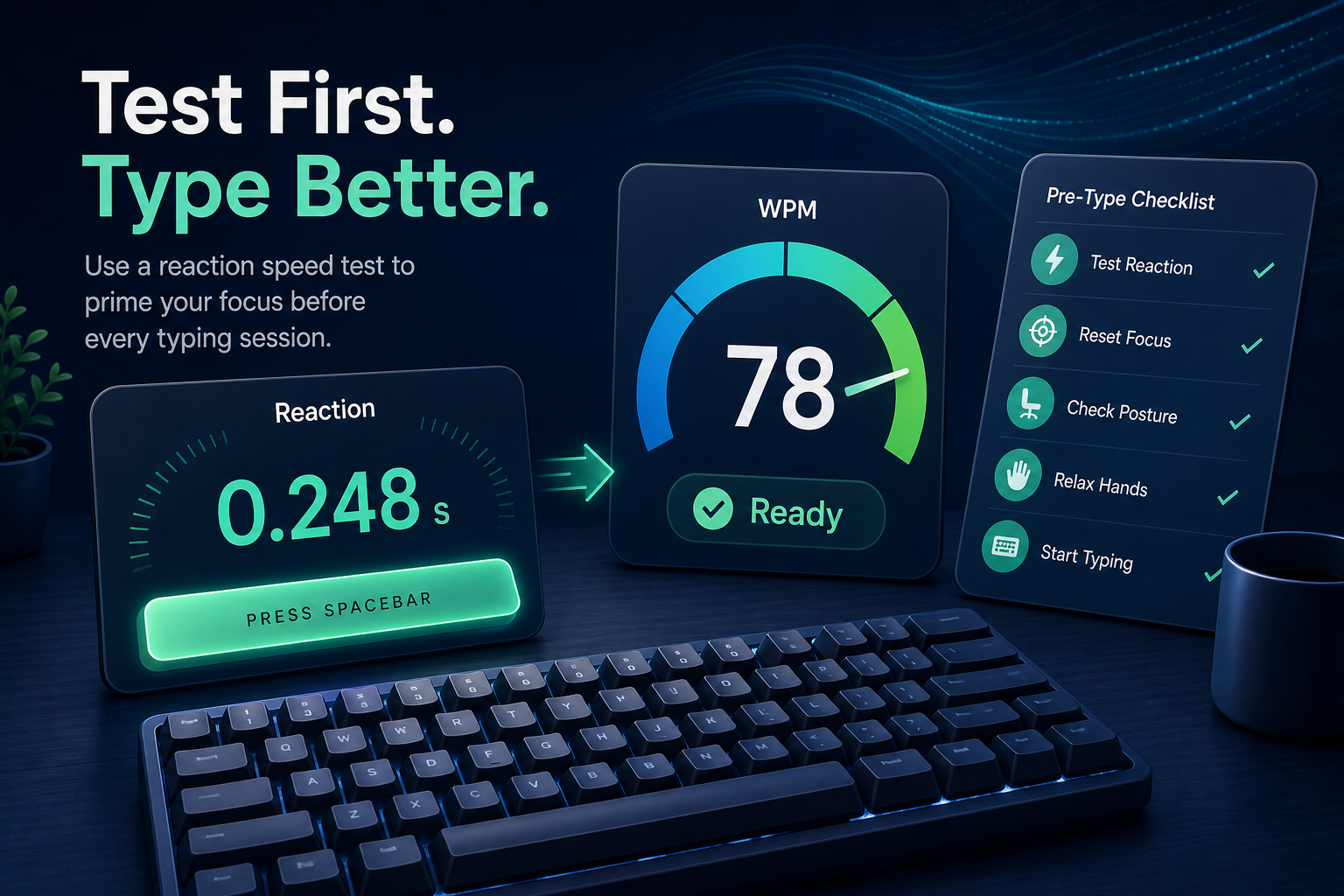
Typing scores move for reasons that have little to do with skill: sleep, attention, stress, cold hands, browser lag, and a rushed start. A quick reaction check gives you a low-friction way to separate readiness from typing ability. It will not diagnose your nervous system, and it will not make you faster by itself. It simply tells you whether today is a fair day to compare WPM.
# Why a reaction speed test belongs before typing practice
Typing is a chain of tiny decisions. You see a word, predict the next letters, press keys, notice mistakes, and correct them. Reaction speed sits near the front of that chain. When it is unstable, your first few seconds of a typing run often become noisy.
That noise matters because many typists judge progress from one or two runs. A slow start can look like a bad training day. A sharp start can look like improvement. Both can be false signals.
Use the reaction speed test as a readiness filter before you open a serious type speed test baseline routine. If your goal is long-term progress, pair it with WPM typing test confidence intervals so one lucky run does not steer the week. If accuracy drops when you chase speed, follow the reaction check with typing accuracy test thresholds.
The point is simple: measure the state you bring to the keyboard before you judge the skill you built at the keyboard.
# The two minute reaction speed test protocol
Run this before scored TypeTest sessions, especially when you care about comparing today against last week.
# Step 1: hold the setup constant
Use the same browser, keyboard, chair position, and input device each time. Reaction timing can shift when you move from trackpad to mouse, change keyboards, or test on a display with a different refresh rate.
Keep the action simple. Spacebar reaction tests are useful because the same key also appears in normal typing. Mouse click tests can still help, but they measure a slightly different input path.
Consistent setup matters more than chasing a supposedly perfect number. A different screen, keyboard, mouse, or browser can change the feel of the test, so keep the environment steady when you want to compare one session against another.
References:
- Nielsen Norman Group response time limits: https://www.nngroup.com/articles/response-times-3-important-limits/ (opens new window)
# Step 2: take 10 clean trials
Do 10 trials. Ignore the first one if it feels like you were still settling in. Record the remaining nine.
Do not spam the key. Press once after the cue appears, then reset. If the test flags an early press, restart that trial. Early presses make reaction data useless because they measure prediction, not response.
# Step 3: record median and spread
The median reaction time tells you your typical response. The spread tells you consistency. You can estimate spread without math by looking at the difference between your fastest clean trial and slowest clean trial.
For typing readiness, consistency often matters more than the fastest number. A typist with a 230 millisecond median and a 90 millisecond spread is usually in a steadier state than a typist with a 210 millisecond median and a 240 millisecond spread.
# Step 4: compare against your own baseline
Do not compare your reaction speed to strangers. Their devices, displays, age, test method, and caffeine situation are all mixed into the number. Compare today against your own recent median.
After five sessions, you will have a useful personal range. That range becomes your readiness reference.
# Reaction speed readiness table
Use this table after you have at least five personal reaction speed test records. Replace the example numbers with your own baseline.
| Today compared with your baseline | What it usually means | How to use the typing session |
|---|---|---|
| Within 10 percent of baseline median, spread normal | Readiness looks stable | Run the planned scored typing test |
| Median normal, spread 50 percent higher than usual | Attention is inconsistent | Start with accuracy work or shorter runs |
| Median 10 to 20 percent slower than baseline | Slow start risk is elevated | Warm up longer, then score only if accuracy stabilizes |
| Median more than 20 percent slower than baseline | Today is a poor comparison day | Treat TypeTest as practice, not benchmark data |
| Fast median with many early presses | You are predicting the cue | Restart the reaction test and slow down the first typing run |
This table keeps the artifact practical. It does not label a slow day as failure. It tells you how much confidence to place in the WPM score that follows.
A reaction check also catches a common testing trap: the desire to force a personal record when your attention is scattered. The keyboard rarely rewards that plan. It tends to collect typos and send the invoice immediately.
# How reaction time affects WPM scores
A reaction speed test does not measure typing speed directly. It measures one ingredient that can influence typing performance.
The biggest effect appears at the start of a timed run. If your first word recognition and first keypress are delayed, the whole run begins behind pace. Many typists compensate by speeding up too aggressively in the next 10 seconds. That creates errors, which create corrections, which lower usable WPM.
Reaction consistency also affects transitions between words. Typing a familiar word is partly rhythm, but moving from one word to the next requires visual attention. If attention keeps dipping, short pauses appear between words. Those pauses may feel tiny, yet they add up across a 60 second test.
For longer writing, reaction speed matters less than planning, text difficulty, and correction habits. That is why this method works best as a readiness signal, not as a full typing model. Use it to decide whether to benchmark. Use TypeTest results to decide what to train.
# Common patterns and what to do next
# Your reaction score is slow only before the first typing run
This usually means you are cold. Run a short warmup, then repeat the reaction check. If the second check returns to your normal range, start the scored test.
Use this when your first TypeTest run is always weaker than the next two. The problem may be readiness, not skill.
# Your reaction median is fine, but the spread is wide
Wide spread points to attention drift. Choose shorter typing runs for that session. A 15 second or 30 second run gives cleaner feedback than a 60 second run when focus keeps breaking.
Log accuracy separately. If errors cluster after slow reactions, the next drill should emphasize calm starts and clean correction, not raw speed.
# Your reaction score is normal, but WPM is low
Then reaction speed is probably not the bottleneck. Check passage difficulty, punctuation, keyboard setup, and correction cost. A normal reaction check followed by poor typing output often means the text, technique, or environment changed.
This is where a controlled typing speed test passage difficulty check helps. It separates readiness from content difficulty.
# Your reaction score is fast, but accuracy drops
Fast response can become rushing. If you press quickly on the reaction test and then miss easy words, set an accuracy ceiling for the next run. For example, hold speed at 90 percent effort until accuracy stays above 97 percent.
Fast and sloppy is still slow once corrections enter the bill.
# A weekly typing readiness log
Keep the log short enough that you will actually use it. Four fields are enough.
- Date and time
- Reaction median
- Reaction spread
- Typing result and accuracy
Add one note only when something changed: new keyboard, poor sleep, different display, unusual stress, or a longer warmup. Avoid diary sprawl. The log should explain score changes, not become a second hobby with worse lighting.
After two weeks, look for patterns.
If reaction readiness is stable but WPM varies, focus on typing mechanics. If reaction readiness predicts weak scores, place warmup and focus work before benchmarking. If reaction readiness is usually poor at one time of day, schedule serious tests elsewhere.
This simple log is also useful when you are testing keyboards. A new board can feel faster because it is novel. Reaction and typing data together make that claim harder to fake.
# When to skip the reaction speed test
Skip it when the session is casual. If you are just practicing for a few minutes, open TypeTest and type. A readiness check should support training, not turn every session into a ceremony.
Use it when any of these are true:
- You plan to record a weekly baseline.
- You are comparing keyboards or layouts.
- Your first run often looks unusually weak.
- Your scores swing more than your accuracy explains.
- You are returning after a break, illness, travel, or poor sleep.
The reaction speed test is most useful when a typing result will influence your next decision. If no decision depends on the score, keep the session light.
# Turn readiness into better typing decisions
A reaction speed test gives context for your WPM. It helps you decide whether to benchmark, warm up, shorten the run, or switch to accuracy practice. The number matters less than the comparison against your own normal range.
Use the check for two minutes before serious TypeTest sessions. If reaction speed and consistency look normal, run the planned typing test. If they look off, treat the session as training data rather than a verdict on your typing progress. Your future spreadsheet will remain calmer, which is a small mercy in a world already full of columns.