

# Typing Invaders: The Space Invaders Typing Game
Typing Invaders works best when you want practice that moves fast enough to keep your attention on the screen. It is a space invaders typing game, so the score comes from short bursts, target tracking, and fast recovery after a miss. Use it to train burst speed and focus. Use a standard typing test when you want a clean WPM baseline.
If you want the game itself, start at the TypeTest Games page (opens new window) and open Typing Invaders (opens new window). If your usual routine has gone flat, this gives you a different kind of pressure without leaving the typing lane.
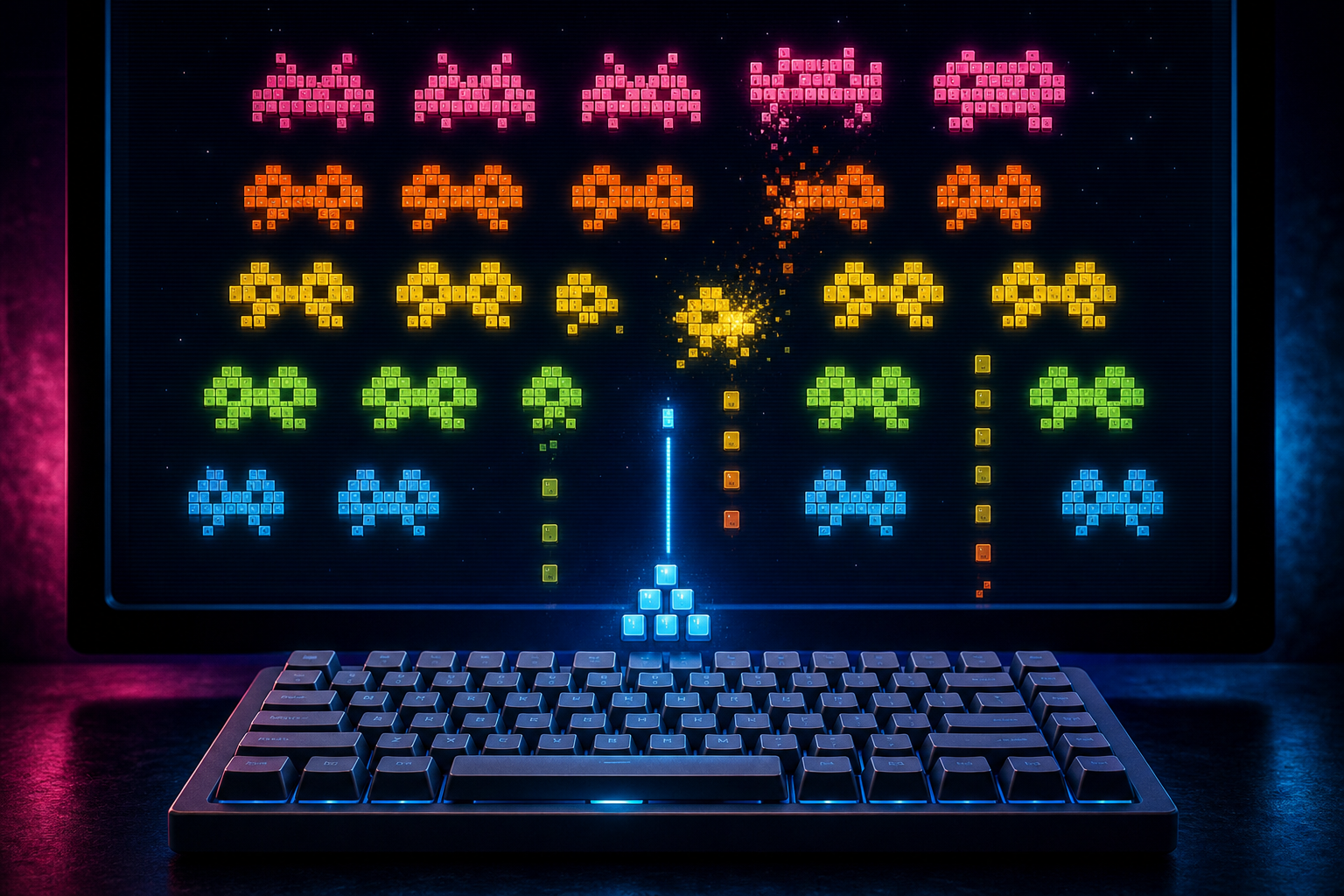
The useful part is simple. A typing game with moving targets makes you decide faster, reset faster, and keep your hands moving while your eyes stay busy. That can make practice feel less repetitive. It can also expose habits that plain passage drills hide, especially hesitation after a miss and sloppy recovery when the next target appears quickly.
The value is narrower than a normal typing test. That is the point. A game does one job well, then stops before it starts pretending to be a full measurement system.
# What a space invaders typing game actually measures
A space invaders typing game measures how quickly you can recognize a target, move your attention, and type before the target state changes. The score depends on more than raw WPM. It also depends on visual search, reaction timing, and how quickly you regain control after a mistake.
That lines up with research on game practice and visual attention. In Effects of video game practice on visual and visuocognitive functions (opens new window), video game practice is tied to visual and visuocognitive performance. In A game-factors approach to cognitive benefits from video-game training: A meta-analysis (opens new window), the game structure itself matters. The practice loop, feedback, and timing demands shape what the player trains.
Typing Invaders does not replace long form typing practice. It gives you a different pressure profile. Instead of a steady passage, you get repeated short decisions. That makes it useful for burst speed, not for everything that touches a keyboard.
# When to use Typing Invaders instead of a standard test
Use Typing Invaders when you want a session that feels like practice, not paperwork. Use a standard typing test when you want a baseline you can compare across days. Use both when you need to know whether your speed is real or just a good day on a familiar passage.
| Situation | Typing Invaders | Standard typing test | Why |
|---|---|---|---|
| You get bored halfway through a normal drill | Yes | Sometimes | The game keeps attention engaged longer |
| Your first few seconds are slow | Yes | Yes | Burst starts show up clearly in both |
| You want a clean WPM number | No | Yes | Games add moving parts that change the score |
| You miss a target and freeze | Yes | Sometimes | The game reveals recovery habits |
| You want to compare layouts or devices | No | Yes | A fixed test keeps variables tighter |
| You need short practice between meetings | Yes | No | The game works well in compact sessions |
The short version is this. Typing Invaders is a drill. A standard typing test is a benchmark. One should feed the other.
If your setup feels inconsistent, the keyboard ghosting test post is a better first stop than any game. If the keyboard misses key combinations under pressure, the game will blame you for a hardware problem.
# Run a fair 20 minute session
A fair Typing Invaders session should be short enough to keep the score useful and long enough to show a pattern. Twenty minutes is a reasonable ceiling for one block.
- Set up the same keyboard, chair height, and screen position you use for normal typing. The OSHA computer workstation guidance (opens new window) and the HSE display screen equipment advice (opens new window) both make the same basic point. A stable workstation reduces avoidable strain.
- Run one warm up round before you score anything. If you need a better ramp in, use the typing warm up routine first.
- Play three scored rounds with one short rest between rounds. Keep the device, browser, and game mode the same.
- Write down the score after each round, along with any missed targets, panic moments, or hand tension.
- Stop after twenty minutes, even if the run still feels lively. A game can hide fatigue until the last third of the session. Then the score starts measuring endurance instead of practice quality.
If you want to start from a calmer baseline, the reaction speed test readiness article is a good lead in. It helps you see whether the problem is speed, alertness, or both before the game adds more noise.
# Track the right numbers
A game score alone is too blunt. Use a small scorecard that tells you what changed.
| Metric | What to write down | What it tells you |
|---|---|---|
| Best round score | Highest WPM or game score in the block | Your current ceiling under game pressure |
| Median round score | Middle score across the session | Your more stable level |
| Accuracy | Final hit rate or miss count | Whether speed is coming from clean typing |
| Recovery time | How long it takes to resume after a miss | Whether errors create a stall |
| Fatigue note | Wrist, shoulder, or finger tension | Whether the session should be shorter |
If the best round is high and the median stays close, the game is giving you repeatable practice. If the best round is high but the rest collapse, the game is mostly creating spikes. Those can be fun. They are less useful.
That is also why the typing simulator post matters. The typing simulator article is the better companion when you want to see whether game speed transfers to actual text. A game can improve quick decisions while long passage control still lags behind.
# How to choose the right typing game
Not every typing game is worth the time. Some are decorative noise with a keyboard attached.
Use this checklist before you give a game part of your practice block.
- The round length is fixed or easy to control.
- The scoring rules are visible and do not change mid session.
- Misses are obvious enough to learn from.
- The game keeps the keyboard layout stable.
- The visual load does not bury the text you need to type.
- The session ends while your hands still feel normal.
- The game is fun enough that you will actually return to it.
Typing Invaders checks most of those boxes because it is built around a simple arcade loop. The alien motif is decorative. The useful part is the repeated cycle of target, type, clear, reset.
If you want a broader look at the available modes, the Games page (opens new window) is the right place to compare options. Typing Invaders is the best fit when you want a space invaders style drill rather than a plain score sheet.
# What the game does not tell you
Typing Invaders does not tell you whether your punctuation is solid. It does not tell you whether your real writing speed holds up across full sentences. It does not tell you whether your keyboard is dropping keys when you chord too quickly.
That is where the rest of the practice stack matters. The game can improve rhythm and recovery. The keyboard ghosting test checks hardware limits. The typing warm up settles your hands. The typing simulator checks whether the speed carries into a more realistic text flow.
If you only chase the game score, you will get better at the game. That is fine, as far as it goes. If you want typing improvement that reaches outside the arcade frame, use the game as one block in a wider routine.
# A practical way to use Typing Invaders in a weekly plan
A simple weekly pattern keeps the game useful.
# Monday
Run one standard typing test, then one short Typing Invaders session. Compare the scores. The gap tells you whether your quick starts and your sustained typing are aligned.
# Wednesday
Use Typing Invaders as a warm up block before real text practice. Stop after three rounds. Then switch to the typing simulator or another longer exercise so the game does not become the entire plan.
# Friday
Repeat the same setup and compare the median score with Monday. If the median improves and your fatigue note stays flat, the routine is working.
This is where game practice earns its keep. It gives you a compact drill that is easy to repeat. It also gives you a useful contrast with the more sober tools in the TypeTest lineup. The game is the spark. The other tests tell you whether the spark reached anything combustible.
# When to stop using the game
Stop leaning on Typing Invaders when one of three things happens.
First, your score plateaus while your fatigue rises. That means the session has gone past the point of useful concentration.
Second, the game feels easy but your real text typing still breaks on punctuation, capitalization, or long runs. That is a signal to move back to a normal typing test.
Third, the game starts to feel like the goal instead of the drill. If that happens, shorten the block and return to a baseline test for a week.
The reaction speed test readiness guide helps when you want to check whether slow starts come from attention rather than skill. The typing warm up guide helps when the first few minutes are the problem. Typing Invaders sits between those two. It is a focused drill for quick response, not a full audit of your typing life.
# Conclusion
Typing Invaders is a space invaders typing game for burst speed, recovery, and attention. It works best as part of a mixed routine. Use it when you want a shorter, more engaging practice block. Use a standard typing test when you need a clean baseline. Use the typing simulator and warm up guides when you want to see whether the game score transfers to real text.
If your goal is better typing, keep the game in a narrow role. That gives you the fun part without letting the score confuse the whole picture. The game presses your reflexes. The rest of the stack tells you whether the rest of your typing kept up.