

# Typing Test Hacks: Keep Your WPM Score Honest
Typing test hacks usually make a score less useful, even when they raise the number on screen. Know which shortcuts distort WPM, block them during serious tests, and use a repeatable setup that measures actual typing skill. If you want a score you can compare next week, track accuracy, corrections, passage type, time limit, and device setup together.
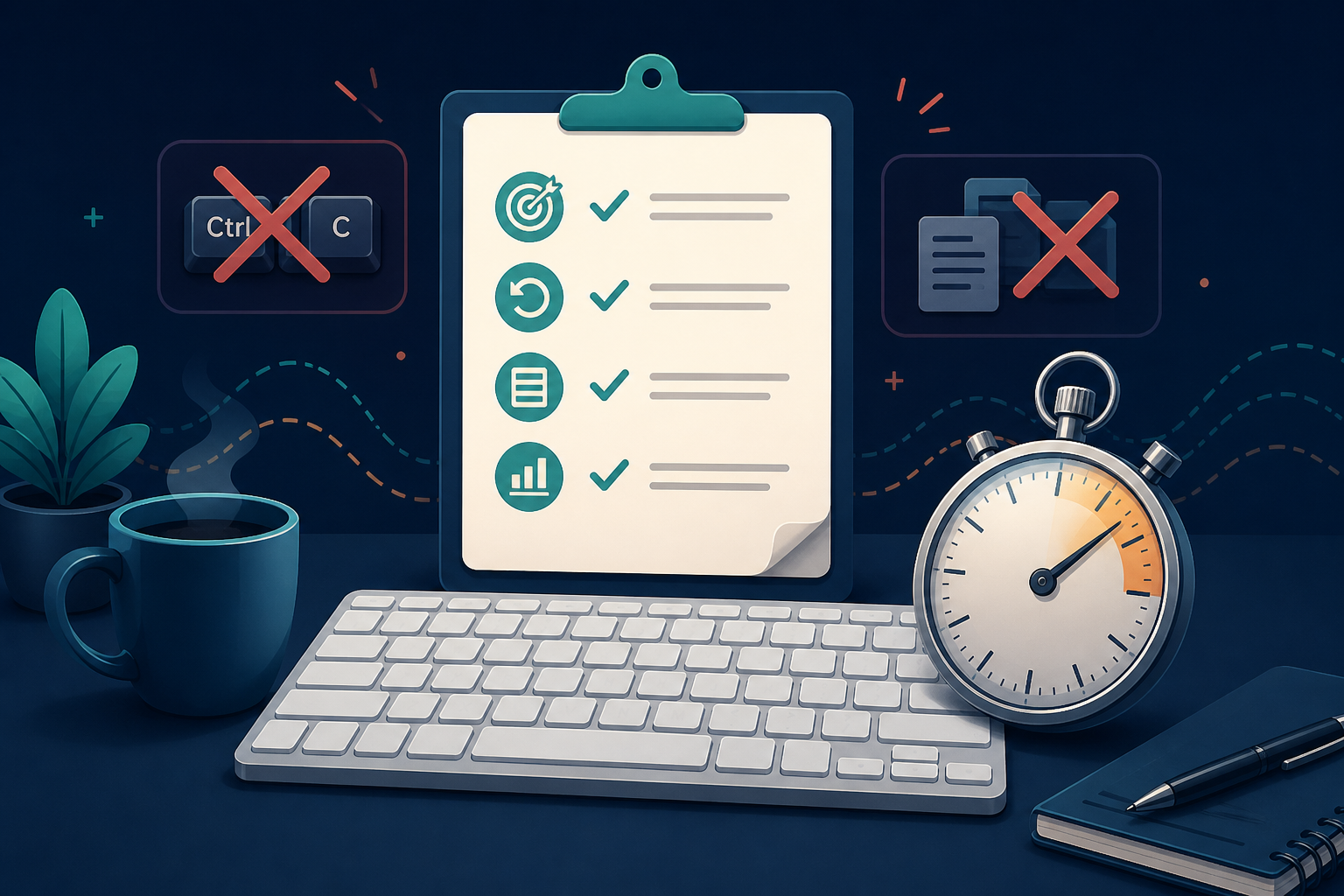
Keep practice playful when you want a game, and keep benchmark runs clean when you want a real measurement. Mixing those modes creates the familiar miracle where someone becomes a 170 WPM typist for twelve seconds and then types a normal email like everyone else.
# What typing test hacks actually change
Most typing test hacks reduce the amount of text you must produce, hide errors, change passage difficulty, or use tools that complete work for you. None of those changes improves typing skill by itself.
A clean WPM score measures output over time. It should include reading, keying, correcting, and keeping rhythm until the test ends. When a shortcut removes one cost, the score stops answering the useful question: how fast can you type useful text with acceptable accuracy?
Common score distortions include:
- restarting until the first passage is unusually easy
- choosing only lowercase or no punctuation passages, then comparing the score with mixed text
- using autocomplete, text expansion, clipboard tricks, or browser features during a benchmark
- ignoring corrected mistakes when the test reports raw speed
- switching keyboard, screen, or accessibility settings between sessions without logging the change
- comparing a short sprint with a one minute or five minute result
Some of these choices are fine during drills. A lowercase session can build rhythm. A short sprint can train starts. The issue starts when a practice condition gets reported as a general WPM score.
If you need a stable baseline first, use Type Speed Test Baseline Routine before you compare anything else.
# The honest typing score checklist
Use this checklist before any benchmark run you plan to save, share, or compare. It takes less than a minute and prevents most fake progress.
| Check | Clean benchmark rule | Why it matters |
|---|---|---|
| Passage | Use the assigned passage without rerolling for difficulty | Passage length, punctuation, and word familiarity move WPM |
| Timer | Use the same duration as your previous benchmark | Ten second bursts do not compare with one minute tests |
| Corrections | Count corrected and uncorrected errors consistently | Hidden correction cost inflates raw speed |
| Tools | Turn off text expansion, autocomplete, clipboard use, and AI writing aids | The test should measure your hands, not your utilities |
| Device | Keep keyboard, layout, and input settings stable | Hardware and repeat settings can change error patterns |
| Accuracy floor | Treat runs below your floor as practice, not records | Speed without control rarely transfers to real writing |
| Log | Save WPM, accuracy, duration, passage type, and notes | A score without context becomes decorative data |
For most typists, a useful benchmark has an accuracy floor between 96 and 98 percent. Beginners may need a lower floor while they build control. Advanced typists should raise the floor because small error differences become harder to see at higher speeds.
The number itself matters less than consistency. If you record 82 WPM at 93 percent accuracy one week and 78 WPM at 98 percent the next week, the second result may be the stronger writing signal. That comparison only works when your log includes both numbers.
# Separate practice hacks from benchmark rules
Practice and benchmarking need different rules. Practice can isolate one skill. Benchmarking should measure the whole task.
A drill can be narrow on purpose. You might run five minutes of no punctuation text to improve rhythm, then ten minutes of punctuation passages to restore transfer. You might use short word bursts to sharpen starts, then return to full passages to check endurance. That is training design, not cheating.
A benchmark needs stricter conditions:
- Pick the duration before you see the passage.
- Use the first fair passage you receive.
- Keep corrections on or off according to your usual rule.
- Disable tools that insert or rewrite text.
- Stop after the planned number of attempts.
- Save the median or best clean run, not the luckiest reroll.
The median is usually more useful than the best run. Three one minute tests might produce 71, 78, and 73 WPM. The 78 looks nice, but 73 better describes your current repeatable speed. The best run is a record. The median is a baseline.
When you want a normal clean test, use TypeTest and keep the settings steady. When you want to improve consistency after the test, use WPM Tracker: Build a Typing Log That Improves Speed to record what changed.
# Shortcuts that help real work but ruin typing tests
Keyboard shortcuts deserve a fair defense. They can make real writing and editing faster. The problem is context. A shortcut can be excellent for work and invalid for a typing benchmark.
Copy, paste, find, replace, snippet expansion, and document navigation all reduce manual keystrokes. Google Docs lists a large set of keyboard shortcuts for editing and navigation (opens new window), which is useful in actual documents. In a typing test, those same actions bypass the measurement.
Text expansion creates the clearest split. If you type addr and your system expands it into a full address, your workflow speed improves. Your typing output did not come from four keystrokes of manual production. A WPM benchmark should not count that expansion as typed text.
Autocomplete has the same problem. It predicts, accepts, and inserts text. That can help a message get written faster, but it changes the task from typing to selecting. Use it in daily writing if it helps. Turn it off during a saved WPM test.
Keep accessibility settings that make key presses reliable. WebAIM keyboard guidance (opens new window) treats keyboard access as a usability requirement, so log those settings instead of removing them.
# Passage difficulty is the quietest hack
The easiest way to inflate WPM is to change the passage. Short familiar words, no capital letters, no punctuation, and predictable sentence rhythm all raise speed. They also reduce the amount of real writing being measured.
A fair passage mix should include several text types:
- plain lowercase text for rhythm
- normal prose with punctuation and capitals
- numbers and symbols if your work uses them
- longer or unfamiliar words for reading control
- topic variety so memory does not carry the run
You do not need every passage type in every session. You do need to avoid comparing unlike formats as if they measure the same thing. A 95 WPM lowercase result and a 76 WPM mixed punctuation result can both be accurate. They answer different questions.
This is why benchmark labels matter. Write 60 seconds, mixed prose, corrections on instead of just 86 WPM. The longer label looks dull, which is one reason it works. It leaves fewer places for vanity to hide.
If accuracy is the unstable part of your score, pair this article with Typing Accuracy Test Thresholds. That guide gives you a cleaner way to decide when a faster run still counts.
# Timing hacks and why duration changes the score
Typing speed changes over the length of a test. Short tests reward fast starts and familiar motor patterns. Longer tests add reading, breathing, posture, attention, and correction cost.
A ten second run can be useful for start speed. A one minute run gives a better general WPM signal. A five minute run starts to show endurance and consistency. Treat them as separate formats.
The Web Content Accessibility Guidelines explain why timed tasks need care in user interfaces, especially when time limits affect completion. The WCAG timing adjustable guidance (opens new window) focuses on accessibility, but the same practical idea applies to measurement: timing rules change who can complete a task and how the result should be read.
For typing practice, duration creates a simple decision table:
| Test length | Best use | Do not use it for |
|---|---|---|
| 10 to 15 seconds | Starts, bursts, warmups | General WPM claims |
| 30 seconds | Light benchmark, quick checks | Endurance or work transfer |
| 60 seconds | Standard comparison run | Deep fatigue analysis |
| 3 to 5 minutes | Consistency, attention, real writing feel | Quick daily motivation |
If you switch from 30 seconds to 60 seconds and your score drops, that does not mean you got worse. It means the test started measuring more of the task.
# A 15 minute clean benchmark plan
Run this plan when you want a score worth keeping.
First, spend three minutes warming up with easy text. Do not save the score. The point is to get your hands moving and notice any obvious setup issue.
Second, run three one minute tests with the same rules. Use mixed prose if your goal is general writing. Keep corrections on if that matches your normal typing. Do not reroll passages unless the page fails to load or the text is clearly broken.
Third, write down all three results. Include WPM, accuracy, duration, correction rule, passage type, device, and one short note. The note can be boring: tired, new keyboard, cold hands, lots of commas. Boring notes age better than heroic explanations.
Fourth, pick the median WPM as your baseline. If accuracy varies by more than two percentage points across the three runs, use the most accurate clean run instead and repeat the test another day.
Fifth, choose one practice target from the evidence:
- low accuracy: slow down by five WPM and train clean runs
- weak later runs: practice two minute passages
- slow starts: add short burst drills before normal tests
- punctuation errors: use mixed passages three days in a row
- unstable score: stop changing settings between sessions
This plan gives you three rows of results and one decision. It beats a folder full of screenshots named after moods.
# How to talk about WPM without misleading yourself
A useful WPM claim includes conditions. Say 82 WPM at 97 percent accuracy on a 60 second mixed prose test. That sentence carries enough context for comparison.
A weak claim drops the details. I type 100 WPM might mean a clean one minute result, a lucky ten second sprint, a no punctuation passage, or a test where errors barely counted. The number alone asks the reader to do too much charity work.
Use these labels in your log:
- Record: best clean run under stated rules
- Baseline: median clean result across three similar runs
- Practice score: any drill with special constraints
- Work speed: real task output, such as writing notes or editing a document
These labels reduce arguments because they stop pretending one score can describe every typing task. They also make progress easier to see. A practice score can rise before the baseline moves. A work speed score can improve because you learned better shortcuts, even when raw WPM stays flat.
Typing test hacks become less tempting once the score has a job. If the job is motivation, play with formats. If the job is measurement, keep the conditions boring and repeatable.
# Keep the score useful
Typing test hacks raise numbers by changing the task. Honest WPM measurement keeps the task stable, records the conditions, and treats accuracy as part of speed. Use shortcuts in real writing where they help. Remove text completion aids during benchmark runs. Keep accessibility settings that make typing possible and log them clearly.
Run a clean baseline on TypeTest, save the median result, then practice the one weakness the data exposes. That loop gives you a score you can trust next week, which is the whole point of measuring in the first place.