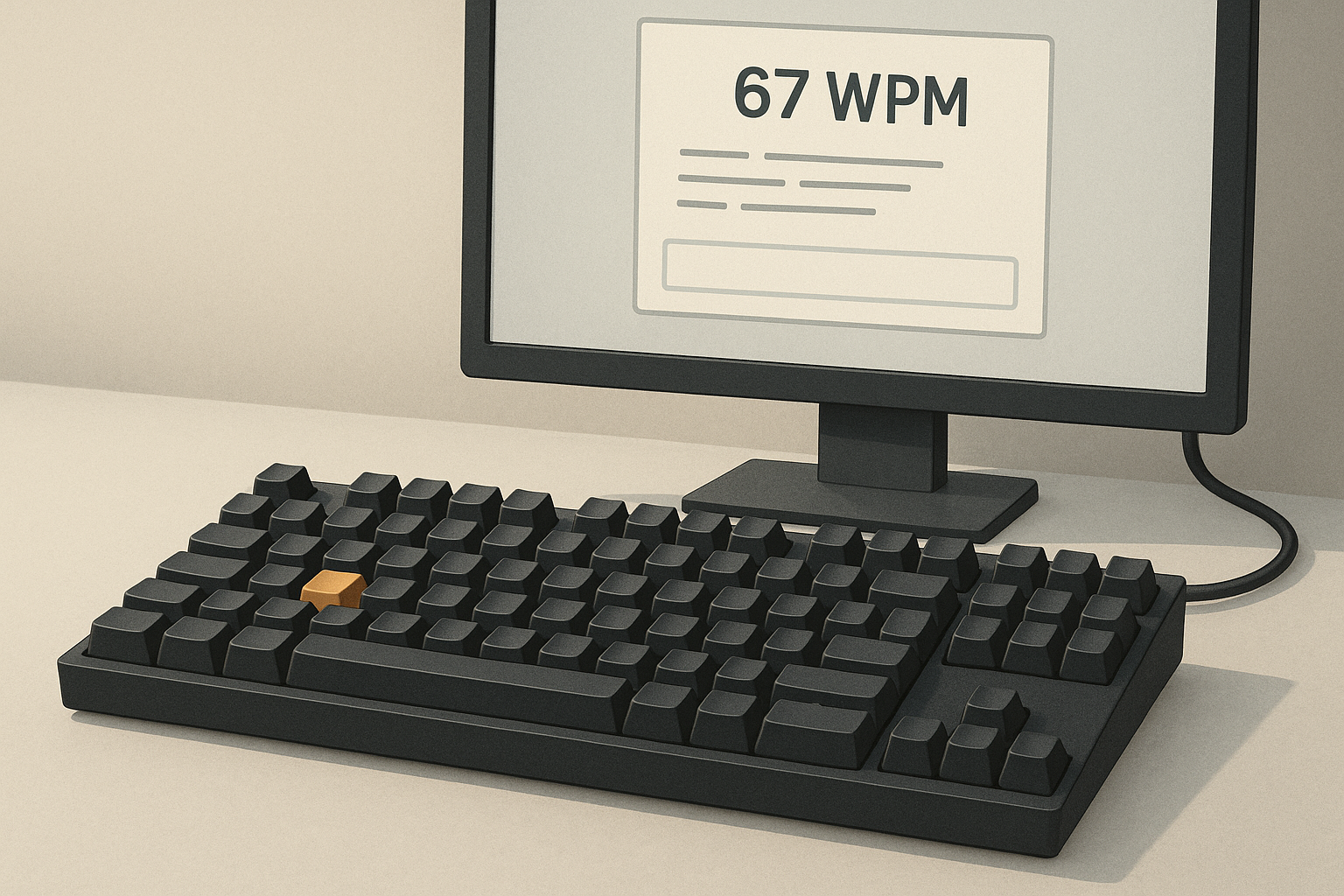
If you want to isolate raw typing speed, a one word WPM test is a useful format. You type one prompted word at a time, reset mentally, and repeat. This removes long sentence rhythm and makes each key sequence visible. It is useful when your normal typing test score swings because of punctuation, memory effects, or test anxiety.
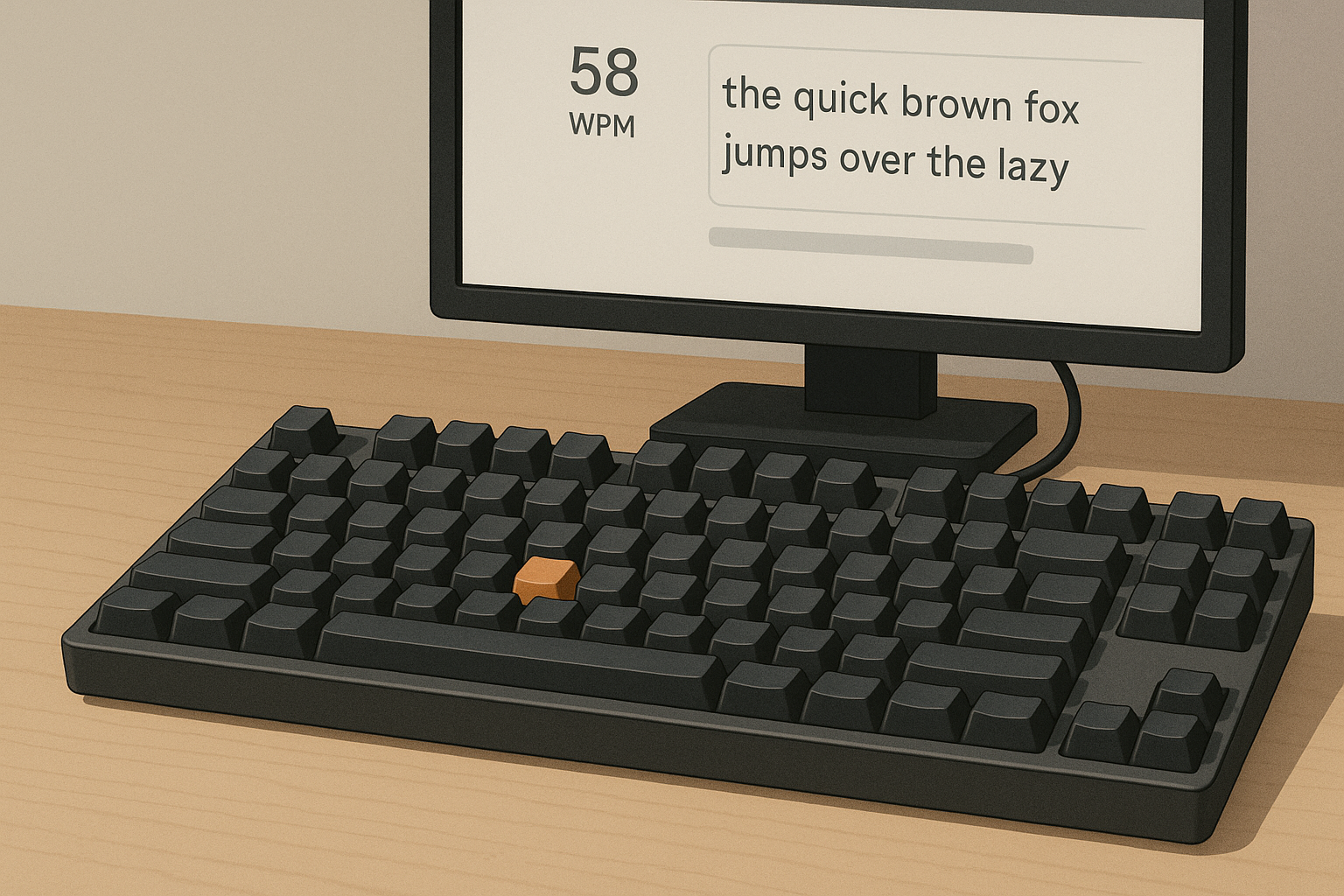
# What a one word WPM test actually measures
A one word WPM test emphasizes micro execution. You can watch how fast you start each word, where you hesitate, and which letter patterns repeatedly break flow. In practical terms, it helps you answer three concrete questions:
- How fast can you initiate a new word from rest?
- Which digraphs or trigraphs create measurable delay?
- Does your accuracy drop when you push speed on short bursts?
Traditional paragraph tests still matter for real writing. For diagnostics, one word tests are sharper. They reduce context effects and make error clusters easier to spot.
# One minute setup that gives stable results
Use this protocol before comparing scores across days.
- Use the same keyboard and layout each session.
- Keep OS keyboard repeat and delay settings unchanged.
- Run three sets of 60 to 90 seconds and use the median result.
- Separate sessions by at least 30 seconds to reduce carryover.
For browser consistency, keep the same browser version when possible. Keyboard event behavior can vary between engines and extensions. Mozilla documents the event order and repeat behavior in detail, which helps when debugging inconsistent captures.
External references:
# No timer typing practice and one word tests can work together
The keyword brief surfaced interest in typing test no timer patterns. The practical use is straightforward. Use no timer typing practice for motor learning blocks, then validate progress with short one word timed sets.
A simple weekly split:
- Days 1 to 4: no timer blocks focused on difficult patterns.
- Days 5 to 6: one word timed sets to check transfer.
- Day 7: mixed sentence test for real world carryover.
This split prevents a common problem: training only for test rhythm. You develop consistent key travel first, then measure speed under controlled pressure.
# Decision checklist: when to use one word tests
Use one word WPM tests when at least two points below are true.
- Your sentence test score swings more than 10 WPM between runs.
- Accuracy collapses when you attempt fast starts.
- You suspect specific key combinations are bottlenecks.
- You are switching layouts and want cleaner baseline data.
- You need short sessions with high diagnostic value.
Use sentence tests when your goal is composition speed, punctuation handling, and endurance.
# Reading your results without fooling yourself
One word scores are easy to overread. Use a compact result frame.
- Median WPM across three sets.
- Error rate for first keystroke and full word completion.
- Top five repeated error patterns.
- Drift between set one and set three.
If WPM rises while first keystroke accuracy falls, you are likely pushing starts too aggressively. If errors cluster on the same patterns, that is a training target, not random noise.
For accessibility and input method differences, review platform docs when results look unusual:
- Apple Accessibility Keyboard settings (opens new window)
- GNOME keyboard accessibility options (opens new window)
# Practical drills for one word WPM improvement
# Drill 1: first key launch control
Goal: reduce hesitation at word start.
- Pick 30 common words.
- Type each once, pause one second, repeat for three rounds.
- Record words where first key is wrong or delayed.
Focus on hand positioning before speed. Clean starts produce compounding gains in one word formats.
# Drill 2: pattern cluster loops
Goal: improve specific slow sequences.
- Extract five frequent slow patterns from your logs.
- Build 8 to 12 words per pattern.
- Run 45 second loops at controlled pace.
Example clusters: tion, ould, str, ght, mpl. Your cluster set should come from your own mistakes, not generic lists.
# Drill 3: speed ceiling intervals
Goal: raise burst speed while containing errors.
- 20 seconds fast, 40 seconds controlled.
- Repeat six rounds.
- Keep total error rate below 4 percent.
If errors exceed threshold, reduce fast interval intensity. Accuracy protects long term gains.
# Layout changes and one word baseline testing
If you test QWERTY against Colemak or Dvorak, one word format is useful for early adaptation tracking. Keep expectations realistic. Early variance is normal while finger mapping stabilizes.
Log these fields for each layout session:
- Layout name
- Session duration
- Median one word WPM
- Accuracy
- Top repeated errors
Then compare after equal total practice time, not equal calendar days. That avoids false conclusions when one week had fewer sessions.
Related TypeTest reads:
- Type speed test punctuation calibration
- Timed typing test lap method
- Keyboard speed test latency settings
# Common mistakes with one word test workflows
# Mistake 1: treating one run as progress evidence
Single runs are noisy. Use medians across multiple sets.
# Mistake 2: changing multiple variables at once
New keyboard, new layout, new browser, and new schedule in one day creates unusable data.
# Mistake 3: training only top speed
Without controlled accuracy blocks, fast errors become habitual.
# Mistake 4: ignoring recovery and hand load
Short tests still create fatigue when repeated intensely. Include brief rest and stop when technique degrades.
# A practical weekly template
Use this template if you want a repeatable system.
- Monday: baseline one word sets plus error tagging
- Tuesday: no timer cluster practice
- Wednesday: launch control drill plus short timed validation
- Thursday: no timer mixed words
- Friday: speed ceiling intervals
- Saturday: full one word benchmark session
- Sunday: sentence test transfer check
This gives both skill development and measurement without overfitting to one format.
# Final takeaway
A one word WPM test works best as a diagnostic instrument. It helps you see where typing speed is lost, especially at word starts and repeated letter patterns. Pair it with no timer typing practice for skill building and timed validation for measurable progress. Keep variables stable, use median scores, and track repeat errors. That workflow produces cleaner data and better improvement decisions over time.