

# 10 Key Typing Test: Measure Numeric Keypad Speed
A 10 key typing test measures how fast and accurately you enter numbers on a keypad. It is the right test for data entry, invoice work, inventory updates, and spreadsheet cleanup. The useful version tracks speed, accuracy, and correction time separately. A strong prose WPM score does not tell you much if you hesitate on 7, 0, or Enter.
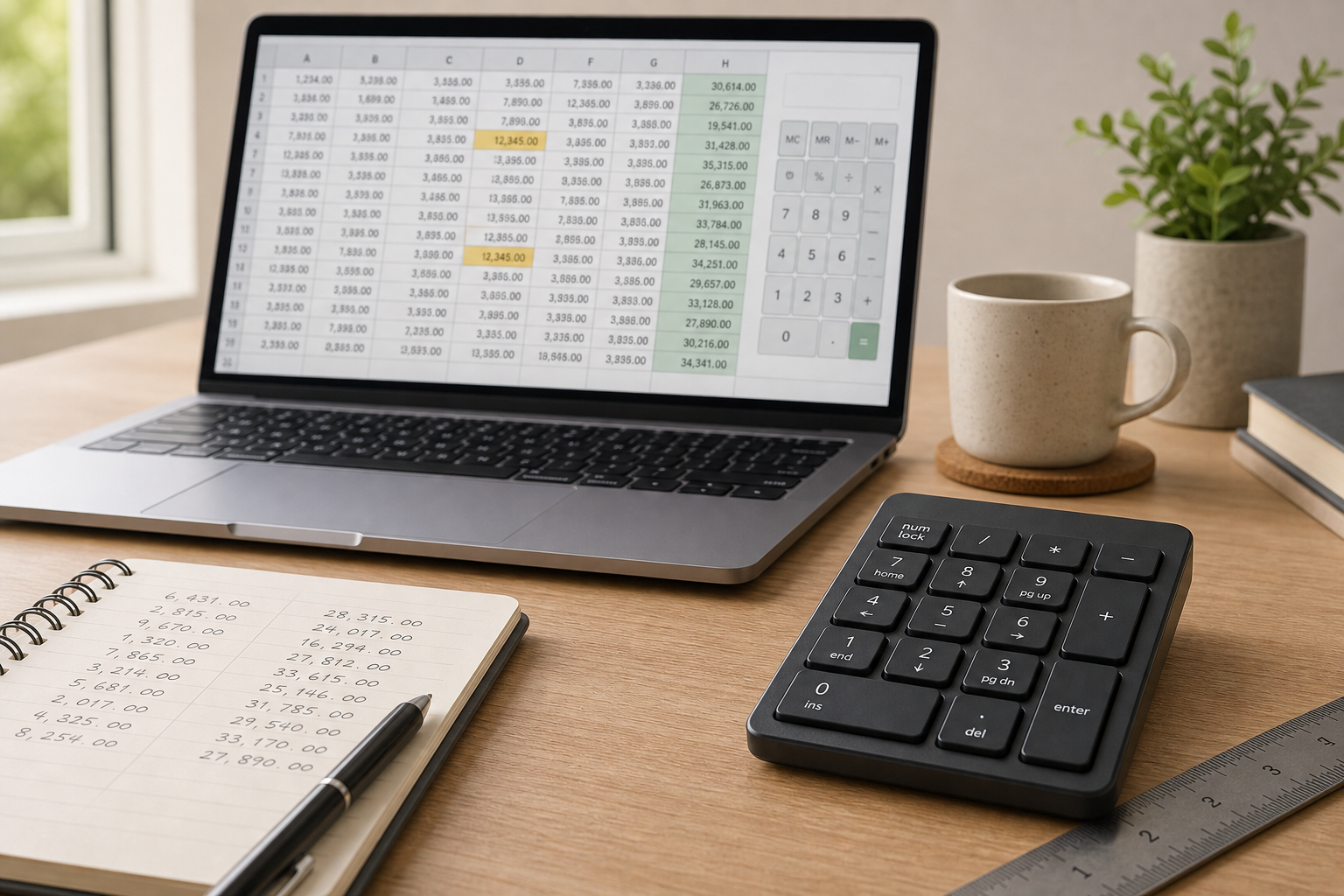
If your work mixes numbers with keyboard navigation, this test gives you a cleaner baseline than a general typing test. Pair it with the keyboard speed test settings guide when you suspect the device is changing your result. If the passage itself is awkward, the typing speed test passage difficulty post covers that problem.
# What a 10 key typing test measures
A 10 key typing test measures numeric entry skill, not prose speed. Keep the two scores separate.
The useful test tracks four things.
- Digits per minute, or how many numbers you can enter in a fixed time.
- Accuracy, or how many digits you enter correctly on the first pass.
- Correction cost, or how long you spend fixing slips, missed zeros, or wrong order entries.
- Rhythm, or whether you can keep a steady pace across repeated number strings.
If your work lives in spreadsheets, accounting, inventory, or point of sale tools, number rhythm matters more than sentence rhythm. Microsoft documents the Surface Number Pad accessory (opens new window) as a dedicated numeric input device.
Keep number entry separate from prose typing so you can tell whether the keypad, the layout, or the task shape is slowing you down.
# When keypad speed matters more than WPM
Use a 10 key typing test when the job asks for numbers in clusters. A form filled with invoice IDs, quantities, tax values, account numbers, or timestamps needs a different motor pattern from a paragraph about keyboard ergonomics.
This is where the test pays off.
- Data entry work rewards consistency more than burst speed.
- Spreadsheet work punishes correction mistakes because one wrong digit can poison a formula or a filter.
- Inventory and bookkeeping work often uses the keypad more than the top row numbers.
- Customer service and operations teams enter order numbers, phone numbers, and dates under time pressure.
If you mainly type numbers inside sheets, Microsoft’s Excel keyboard shortcuts reference (opens new window) shows how much of that work lives beside navigation, selection, and editing. Google’s Docs keyboard shortcuts reference (opens new window) serves the same purpose for mixed writing and editing.
If the work is mostly prose, this test still helps. It shows whether numeric entry becomes the bottleneck when you switch from writing to reporting.
# How to run a fair 10 minute test
Keep the test simple enough that the device, not the setup ritual, does the talking.
# The checklist
- Pick a fixed number string set before the test starts.
- Use the same device, same keyboard mode, and same seat height for every run.
- Warm up for one short block without scoring it.
- Run three timed blocks of the same length.
- Record digits per minute, accuracy, and correction time for each block.
- Keep the median score, not the best one.
A good block length is 60 seconds. Use the same kind of numeric content each time, then raise difficulty only after you have a stable baseline.
A string of long account numbers tests a different skill from a block of two digit quantities. If you mix them, your result becomes a story about the sample set rather than the keypad.
Start with simple data. Add decimals, slash dates, or mixed number and symbol strings later. If you skip that step, you are measuring surprise.
# Keypad, top row, or laptop keyboard
The best device depends on the task. A dedicated keypad is fast for repeated numeric entry. The top row works for mixed typing. A compact laptop keyboard often slows number entry because the hand has to travel farther.
| Option | Best for | Common failure | What it measures |
|---|---|---|---|
| Dedicated keypad | Data entry, accounting, repeated digit strings | Overreach to the mouse or main keyboard | Pure numeric rhythm and correction cost |
| Top row numbers | Mixed text and short numeric inserts | Slower transitions between letters and digits | Context switching more than raw speed |
| Laptop compact keyboard | Travel, tight desks, occasional number entry | Lower comfort and less stable hand position | How much layout friction you can tolerate |
If you use a detached keypad, key travel, layout size, and placement change the result. Keep the base keyboard fixed and only change the numeric input method.
If your keypad sits too far to the right, the shoulder does extra work. The CDC’s ergonomics and musculoskeletal health overview (opens new window) explains why repetition and awkward posture matter in repetitive computer work.
A fast test also needs a practical endpoint. If you use a number pad, include Enter in the same way each time.
# Score your 10 key typing test without hiding the errors
A single speed number hides too much. Use a scorecard that keeps the mistakes visible.
| Metric | How to record it | What it tells you |
|---|---|---|
| Digits per minute | Correct digits entered in 60 seconds | Raw numeric speed |
| Accuracy rate | Correct digits divided by total digits attempted | Slip rate |
| Correction time | Seconds spent deleting, retyping, or fixing | Real cost of errors |
| Consistency spread | Difference between best and median block | Stability under repetition |
| Enter rhythm | Whether Enter lands cleanly after each string | Transition smoothness |
If digits per minute rises while accuracy falls, you are borrowing speed from the correction bucket. If accuracy stays high and speed stalls, the bottleneck is usually movement.
For a broader benchmark structure, the typing accuracy test thresholds article shows how to separate speed from usable output. A numeric score only matters when the error rate stays inside your working range.
# What to change when the result points somewhere specific
Use the result pattern, then change one variable at a time.
| Result pattern | Likely cause | Next change to test |
|---|---|---|
| Fast first block, sloppy second block | Fatigue or overpacing | Shorten the block or add a short reset between runs |
| Good keypad speed, poor laptop number speed | Layout friction | Keep the keypad, or move to a higher quality external keyboard |
| Good speed, high correction cost | Key placement or overreach | Bring the keypad closer and test a tighter hand position |
| Slow but accurate | Cautious pacing | Add a metronome style rhythm and practice fixed groups of digits |
| Large spread between runs | Inconsistent setup | Lock chair height, screen position, and keypad placement |
If you are testing within a spreadsheet workflow, do not forget the editing layer. A clean number pad score can still fail in real work if you are slow at moving between cells, rows, and formulas. That is why the Excel shortcuts reference is useful during practice.
If the keypad feels fine but the whole session feels noisy, compare your result with the WPM test session design post. Session structure matters.
# A four day practice plan for numeric entry
Use practice that matches the failure pattern.
# Day 1
Run the baseline 10 key typing test and save the scorecard.
# Day 2
Practice fixed digit groups for five minutes. Use simple pairs and triples before long strings.
# Day 3
Add correction practice. Intentionally insert one wrong digit per block, then fix it cleanly.
# Day 4
Repeat the test with decimals, commas, or dates. If the result changes a lot, placement or punctuation is the problem.
If you want to tune the hardware side before the next round, revisit the keyboard speed test latency settings guide. Latency, layout, and placement all show up more clearly when the task is repetitive numeric entry.
# Common mistakes in a 10 key typing test
The first mistake is mixing unlike number strings. The second is using only the best run. The third is ignoring correction cost. The fourth is letting the keypad drift. The fifth is comparing keypad speed with prose WPM and calling it insight. The sixth is stopping after one clean score.
A stable numeric workflow usually shows up after repetition. If your score swings from block to block, your setup still has friction.
# Conclusion
A 10 key typing test gives you a clean way to measure numeric entry speed, accuracy, and correction cost. Use it when numbers are part of the job and prose WPM no longer answers the useful question. Keep the number strings fixed, compare the median score, and watch the error cost alongside the speed number.
If the result points to placement, change the keypad position. If it points to layout, compare keypad, top row, and laptop numbers. If it points to correction cost, practice recovery rather than raw speed. Then use the same test again next week.
For readers who work across keyboard setup, accuracy, and session design, the related posts on keyboard setup, accuracy thresholds, and session design make the next step obvious. Your fingers already know how to count. The test tells you where the count breaks.