

# Minimalist Typing Test: Measure Focus Without UI Noise
A minimalist typing test helps you measure whether screen clutter changes your typing speed, accuracy, and correction habits. Use the same passage length, device, and accuracy target, then compare a normal run with a cleaner view that removes extra panels, animations, alerts, and competing tasks. If your WPM rises and mistakes fall across three matched rounds, the interface was adding friction. If the score stays flat, your next improvement probably comes from practice, posture, or passage difficulty.
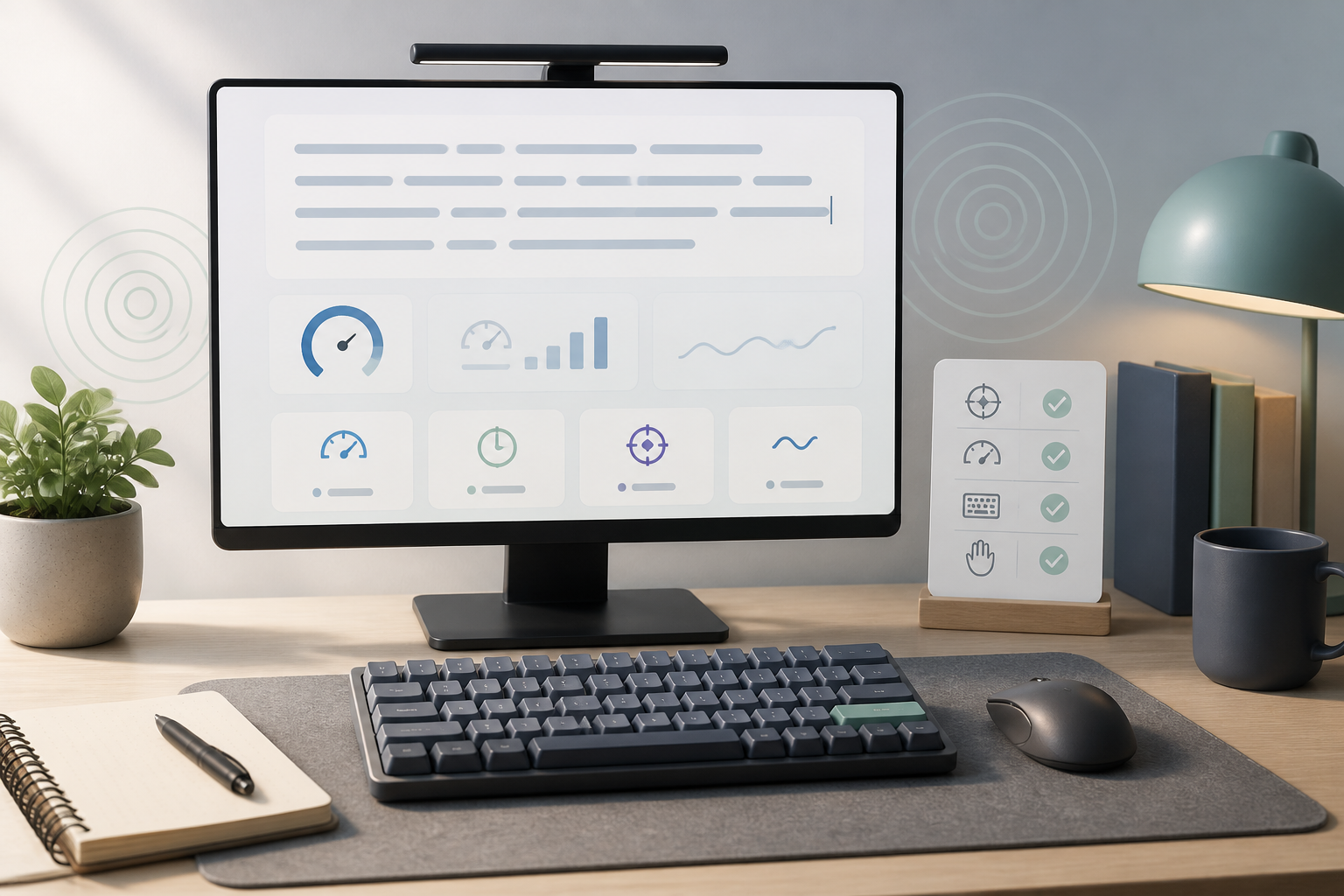
# What a minimalist typing test actually measures
A minimalist typing test measures typing output when the screen asks for less attention. The keyboard, passage, and timer still matter. The difference is the visual field around the text.
That makes the test useful for one narrow question: does a quieter interface help you type cleaner text?
It does not prove that every simple screen is better. It also does not prove that a busy screen is always harmful. Some people like seeing live WPM, accuracy, progress, and rank while they type. Others start chasing the number, glance away from the passage, and add errors they would never make in a normal note.
The point is measurement. Run TypeTest in your usual setup first, then remove one source of visual noise and repeat. A clean comparison beats the familiar ritual of blaming the keyboard, the chair, the browser, the weather, and perhaps Mercury for one messy score.
Use a normal typing test as the baseline. If you want a short preparation step first, use the routine in the typing warm up guide before both versions so early stiffness does not decide the result.
# When a cleaner typing screen can change WPM
Screen clutter affects typing when it pulls attention away from three jobs:
- Reading the next few words.
- Pressing the current characters accurately.
- Correcting mistakes without panic.
A typing test already splits attention between the passage, cursor position, timer, score, and error state. Add browser tabs, notifications, ads, chat badges, animated widgets, or a live ranking panel, and the test becomes partly a focus test.
That can matter most for people who type in bursts. They start fast, glance at the score, notice one mistake, and then rush the correction. The final WPM looks like a skill problem, but the run actually collapsed at the moment attention left the passage.
Interface design guidance supports this idea at a general level. Usability.gov's guide to user interface design basics (opens new window) recommends making interfaces predictable, purposeful, and easy to scan. The W3C guidance on focus appearance (opens new window) also treats visible focus as a practical requirement, not decoration. A typing test needs the same discipline: show the state the typist needs, then stop shouting.
# Use this two pass minimalist typing test protocol
Run the comparison in two passes. Keep the method plain so the result answers one question instead of five.
| Step | Normal run | Minimal run | What to compare |
|---|---|---|---|
| 1 | Use your usual browser window and TypeTest view | Use the same browser and test length | Keeps the tool constant |
| 2 | Leave normal panels, tabs, and visible score behavior alone | Hide other tabs, close alerts, reduce extra windows, and keep only the passage in view | Tests attention load |
| 3 | Run three one minute tests | Run three matched one minute tests | Reduces lucky run noise |
| 4 | Record WPM, accuracy, errors, and correction notes | Record the same fields | Shows whether the cleaner view changed output |
| 5 | Compare medians, not best runs | Compare medians, not best runs | Prevents one miracle sprint from winning |
Do not change keyboard, chair height, switch settings, music, caffeine, or passage type between passes. The cleaner screen should be the main change.
Use three runs per condition because typing scores wobble. One pass can catch a hard sentence, an unlucky typo, or a moment of perfect flow. Three runs give you a small but useful signal.
If you already keep a log, add a column called screen state. The WPM tracker method works well here because it records score context instead of treating WPM as a floating number with no witnesses.
# What to remove before the minimalist run
Start with the sources of noise that compete directly with the passage.
Use this checklist:
- Close chat, email, and social tabs.
- Silence desktop and phone notifications for ten minutes.
- Keep only the typing test window visible.
- Avoid live streams, videos, and music apps with moving panels.
- Set browser zoom so the passage is readable without leaning in.
- Keep the timer and score visible only if they do not pull your eyes away.
- Remove overlays, screen recorders, and floating widgets.
- Use the same theme for both passes unless the theme itself is the thing you want to test.
Readability matters too. The W3C page on visual presentation (opens new window) explains why spacing, line length, and text presentation can change how people read on screen. In a typing test, poor text presentation can turn a speed run into a squinting exercise with a timer attached.
Keyboard access also matters if you navigate the test interface without a mouse. WebAIM's keyboard accessibility guidance (opens new window) explains why controls need predictable keyboard behavior and visible focus. If starting, restarting, or selecting a mode feels fiddly, that friction can bleed into the run before the first word appears.
# How to read the result without fooling yourself
After six total runs, compare medians.
A useful minimalist typing test result looks like this:
- Normal view median: 71 WPM, 95 percent accuracy.
- Minimal view median: 75 WPM, 97 percent accuracy.
- Notes: fewer restarts, fewer missed words after glancing at the score.
That suggests the cleaner screen helped. It did not magically improve finger speed in ten minutes. It reduced the attention tax around the test.
A flat result is also useful:
- Normal view median: 72 WPM, 96 percent accuracy.
- Minimal view median: 72 WPM, 96 percent accuracy.
- Notes: errors came from punctuation and long words, not distractions.
That points you toward passage difficulty, accuracy thresholds, or practice structure. The typing speed test passage difficulty guide is the better next stop when text complexity drives the score.
Watch for false positives. If the minimal view comes second, you may improve because you are warmed up. To reduce that effect, alternate conditions next time: normal, minimal, normal, minimal. If the minimal version still wins, the signal is stronger.
Also watch for hidden changes. A full screen window can alter line length, font size, or scrolling behavior. If those change too, write them down. Otherwise you may credit minimalism when the real win came from larger text.
# Build a focus scorecard for typing practice
Use this small scorecard after each comparison:
| Question | Green signal | Yellow signal | Fix next |
|---|---|---|---|
| Did WPM improve by at least 3 percent? | Yes, with equal or better accuracy | Yes, but accuracy fell | Keep the clean view, then slow slightly |
| Did accuracy improve? | Fewer wrong words and cleaner corrections | Same accuracy | Keep testing before changing practice |
| Did errors cluster after score glances? | Fewer glances in the minimal view | Same number of glances | Hide or ignore live score |
| Did reading feel easier? | Passage stayed centered and readable | Larger window changed text flow | Match font size and line length next time |
| Did setup effort stay low? | Easy to repeat daily | Too many manual steps | Save a browser profile or checklist |
The best artifact from this test is a repeatable practice state. If the clean view helps, turn it into a small pre-test routine: close alerts, open TypeTest, set the same window size, choose the same duration, then start.
That routine also protects score integrity. If you change the environment every session, your WPM log becomes a diary of random conditions. The typing test hacks checklist covers other ways a score can become easier to inflate than to trust.
# Keep enough feedback to type well
Minimal does not mean blind. A typing test still needs useful feedback.
Keep these elements visible during serious runs:
- the passage text
- the current cursor position
- clear error marking
- the test duration or remaining time
- final WPM and accuracy after the run
Consider hiding or ignoring these while typing:
- live rank
- live personal best comparison
- animated streaks
- oversized WPM counters
- unrelated page modules
Live feedback can help during drills, especially when you are training pacing. It can also cause score chasing. If your accuracy drops whenever the live WPM number appears, move that feedback to the end of the run.
This is why a minimalist typing test works best as a comparison, not a permanent rule. Some sessions need detailed feedback. Some need quiet repetition. Treat the interface as part of the practice design.
# Make the minimalist typing test part of a weekly routine
Run the full comparison once, then keep a lighter version in your weekly practice.
A simple plan:
- Monday: baseline one minute test in your normal setup.
- Tuesday and Wednesday: practice with the cleaner screen state.
- Thursday: repeat the two pass comparison.
- Friday: keep the screen state that produced better median accuracy.
If the cleaner view wins two weeks in a row, make it your default benchmark setup. If it stops helping, remove it from the list of suspects and focus on keyboard setup, passage type, or correction habits. The keyboard speed test guide is useful when you need to separate hands from hardware.
The practical goal is a score you can trust. A minimalist typing test gives you a way to measure focus instead of arguing with a single WPM number. Keep the screen quiet enough to read, keep the method consistent enough to repeat, and let the median tell you whether the cleaner setup earned its place.