

# Untimed Typing Test: Measure Natural Pace
An untimed typing test measures how you type when the clock is out of the way. Use it when you want a cleaner read on natural pace, correction cost, and comfort. Pair it with one timed run later, so you can see whether the timer helps you focus or just pushes you into sloppy speed.
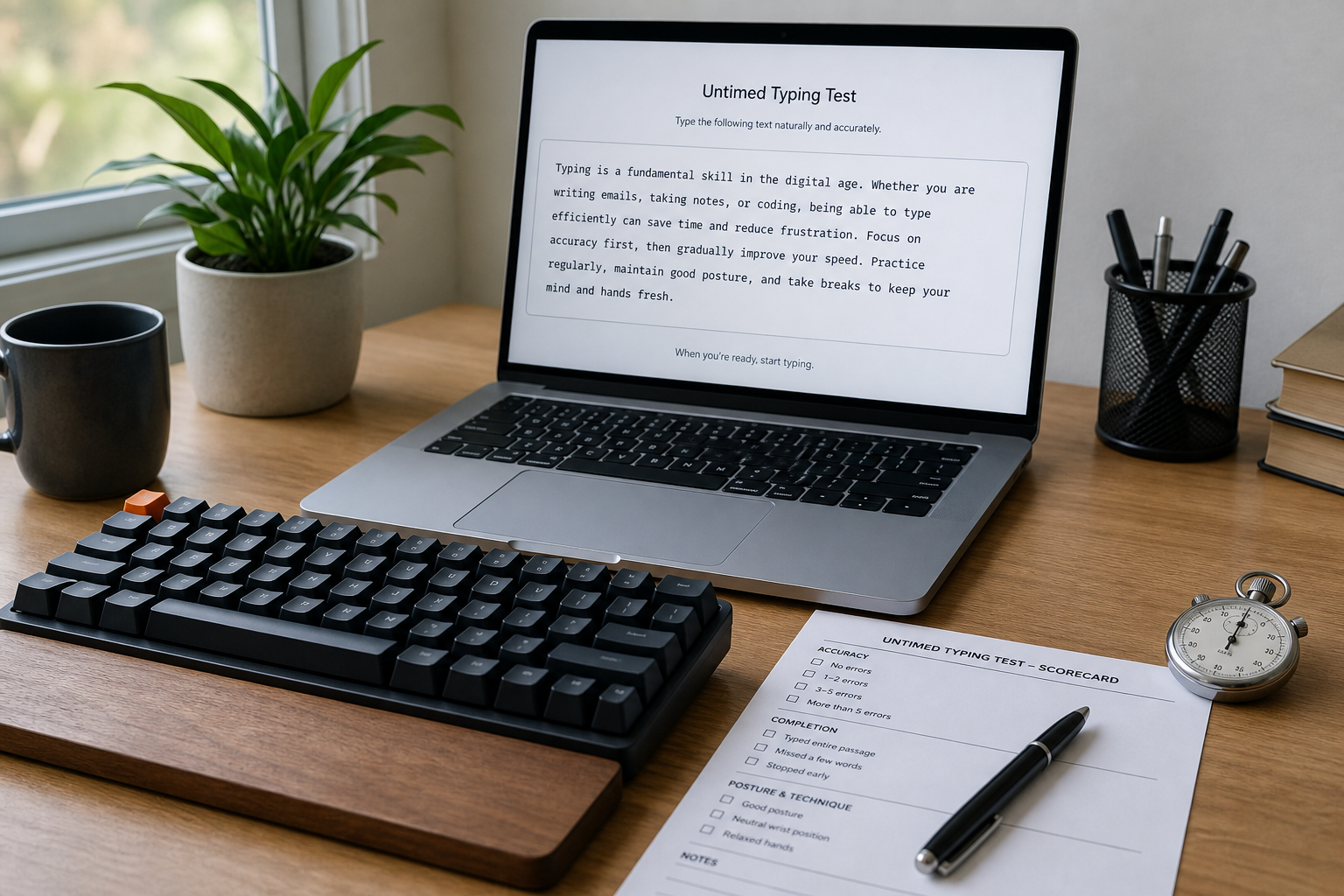
If your recent scores have felt noisy, this is the reset button. Use it after the typing warm up guide, before you judge typing speed test passage difficulty, and after you lock down keyboard setup. The clock has a way of making every decision feel urgent. Typing usually prefers a quieter arrangement.
# What an untimed typing test measures
An untimed typing test is a self paced typing session with a scorecard. The point is to observe your default rhythm without a countdown pushing you into a sprint. That makes it useful for three kinds of questions.
First, it shows your natural correction pattern. Some typists slow down immediately after a mistake. Others keep moving and fix the text in one clean pass. That difference matters because the correction pattern often tells you more than headline WPM.
Second, it shows comfort. When the timer is removed, people usually settle into a pace that reflects posture, reach, and device fit. If your shoulders relax and your errors drop, the timed score may be hiding a setup problem.
Third, it shows transfer. Untimed practice often reveals whether you can type actual words, punctuation, and names without rushing through the difficult spots. If the result stays steady, the issue is probably not the timer. It is usually the passage, the setup, or the habit loop.
Research points in the same direction. In Speed-accuracy trade-off in skilled typewriting (opens new window), typing speed and error control move together through control loops, which is a tidy way of saying speed has a cost. The effect of keyboard key spacing on typing speed, error, usability, and biomechanics: Part 1 (opens new window) shows that layout details can change speed, errors, and comfort. Is Speed a Desirable Difficulty for Learning Procedures? An Initial Exploration of the Effects of Chronometric Pressure (opens new window) gives a useful reminder that time pressure changes performance. The clock is a variable, not a neutral observer.
# Untimed or timed: choose the right test
Use the table below when you want to decide which version fits the task.
| Situation | Use untimed | Use timed |
|---|---|---|
| You are checking comfort or fatigue | Yes | Sometimes, after comfort is stable |
| You want a natural rhythm baseline | Yes | No |
| You are comparing passages or layouts | Yes | Yes, after untimed setup is stable |
| You want a headline score for sharing | No | Yes |
| You keep rushing into the same mistakes | Yes | Yes, after the error pattern is clear |
| You are preparing for a time capped challenge | Sometimes | Yes |
The decision is simple. Untimed tests answer what your typing looks like when you are not chasing the clock. Timed tests answer what happens when you are. Both matter, but they answer different questions.
If your recent work has been about clean measurement, the typing accuracy test thresholds post is the right companion. It keeps the error side visible. If your problem is starting too fast, the reaction speed test typing readiness guide is a better fit than another sprint.
# Run a fair untimed typing test in 15 minutes
Fairness matters more here than speed. Without a timer, it is easy to wander into a session that feels honest and measures nothing.
- Pick one passage set and keep it fixed for the whole test. Use a passage that has normal punctuation, common words, and a few awkward characters. Do not change it halfway through.
- Sit the same way you do for real work. Chair height, monitor height, keyboard position, and lighting should stay constant.
- Run one warmup passage. Do not score it. The first block is for shaking off attention residue, not for building a trophy shelf.
- Type the next passage at a pace that feels sustainable for five minutes. Stop looking for a magic cadence. You want ordinary, repeatable motion.
- Record every correction. Count backspaces, substitutions, skipped words, and retyped phrases.
- Rate comfort at the end. Use a 1 to 5 scale for finger strain, wrist comfort, shoulder tension, and mental load.
The typing warm up article covers why the first few minutes are usually noisy. The untimed version just makes that noise easier to hear. If your passage choice is too easy, the test becomes a rhythm demo. If it is too hard, you measure panic with better typography.
A practical rule helps here. Keep the passage fixed, keep the duration roughly fixed, and keep the setup fixed. What varies should be your typing, not your experiment design.
# Score the result without hiding the errors
Untimed tests still need a scorecard. Otherwise you will remember the feeling and forget the data.
| Metric | How to record it | What it tells you |
|---|---|---|
| Natural pace | Words entered in the five minute block | The speed you settle into without pressure |
| Corrected output | Final words after fixes | Usable throughput |
| Correction cost | Time or effort spent fixing mistakes | How expensive errors are |
| Accuracy pattern | Which keys or words fail most often | Whether the issue is punctuation, reach, or attention |
| Comfort score | 1 to 5 rating for strain and control | Whether the setup is sustainable |
If corrected output is strong but comfort is poor, the setup is borrowing against your hands. If comfort is fine but corrections are constant, the issue is probably passage difficulty or key reach. If both are stable, you have a baseline worth keeping.
This is where a timed score can mislead you. A strong clock driven run can hide a correction habit that gets expensive in real work. An untimed run makes that habit visible. It is less dramatic. It also tells the truth more often.
# What to change after the untimed test
Use the result pattern to decide the next move.
| Result pattern | Likely cause | Next change |
|---|---|---|
| Comfortable pace, low error count | Setup fits the task | Keep the same setup and retest next week |
| Comfortable pace, high correction cost | Passage or punctuation is the bottleneck | Practice mixed text and punctuation |
| Fast pace, rising shoulder or wrist tension | Posture or reach is the problem | Move the keyboard, raise or lower the chair, or change the board angle |
| Slow pace, clean output | Cautious rhythm | Add one timed block after the untimed run |
| Erratic pace across repeated runs | Attention drift or inconsistent setup | Revisit the warmup and keep the session shorter |
If you want a better comparison after the untimed session, add a single timed block at the end and compare the two. The gap between them is useful. It tells you how much the clock changes your behavior.
For layout related problems, the keyboard speed test latency settings post helps when the device itself is part of the issue. For mixed text behavior, the type speed test punctuation calibration guide shows how to interpret simplified text versus real writing.
# A four day untimed practice plan
An untimed typing test is useful only if it leads somewhere. The simplest plan is a short loop that keeps the same passage family and changes one variable at a time.
# Day 1: baseline
Run one untimed session and save the scorecard. Do not tune anything yet. A baseline only works when you leave it alone long enough to see what it is doing.
# Day 2: correction practice
Repeat the same passage and deliberately pause after each mistake. Fix it cleanly. The point is to separate speed from recovery so you can see which part is actually costing time.
# Day 3: comfort check
Repeat the session with the same passage and the same chair position. Keep the scorecard, but add one note about where discomfort appears first. If the discomfort shows up before the errors, the setup needs a change.
# Day 4: timed comparison
Run one timed block after the untimed session. Compare the two. If the timed run improves speed while accuracy stays close, the timer is helping. If it raises speed and sends the error count up, the clock is buying you a faster mistake.
If you want a stronger primer before this loop, the typing speed test passage difficulty article explains why passage choice changes score quality. If you still feel scattered at the start of a session, use the typing warm up routine before any test at all.
# Common mistakes in an untimed typing test
The first mistake is treating untimed practice as casual practice. It still needs a fixed passage and a fixed endpoint.
The second mistake is changing the setup during the test. A better chair height, different browser zoom, or another keyboard turns the session into a hardware comparison.
The third mistake is ignoring the correction log. The session may feel smooth while the error cost quietly increases.
The fourth mistake is skipping a timed comparison entirely. Untimed data tells you how you type without pressure. Timed data tells you whether that pace survives the clock. You need both if you want a full picture.
The fifth mistake is using a passage that is too clean. A passage without punctuation or awkward letter pairs can flatter the result. The goal is a natural baseline, not a cosmetic one.
The sixth mistake is reading one good run as the answer. Repeat the test. Median behavior matters more than the cleanest single round.
# Why this version works for real typing improvement
Untimed typing tests are useful because they separate pace from pressure. That matters when you are trying to improve consistency rather than win a single score. The session tells you whether your errors come from speed, posture, reach, passage difficulty, or attention drift.
That also makes it a useful companion to other TypeTest guides. The keyboard setup post helps lock the device. The typing accuracy test thresholds guide helps you decide when accuracy is good enough. The reaction speed test typing readiness post helps you check whether your brain is awake before you blame the keyboard. Put those together and the untimed test stops being a curiosity. It becomes a useful baseline.
# Conclusion
An untimed typing test measures natural pace, correction cost, and comfort before the clock gets involved. Use it when you want a baseline that reflects real typing instead of pressure driven behavior. Then compare it with one timed block so you can see how much the clock changes your rhythm.
If the untimed result is clean, keep the passage and retest later. If corrections pile up, fix the passage or the setup. If comfort falls apart, move the keyboard or shorten the session. The useful answer is usually dull in the best possible way. Your fingers settle, the errors show up, and the clock loses some of its theatrical power.